You’ve narrowed the decision to two brands. You’ve watched the YouTube reviews. You have read the spec sheets. Now you’re stuck because both look great, both cost $700–$1,200+ NZD landed, and both promise to fix your paper-vs-tablet problem.
BOOX vs reMarkable Paper Pro
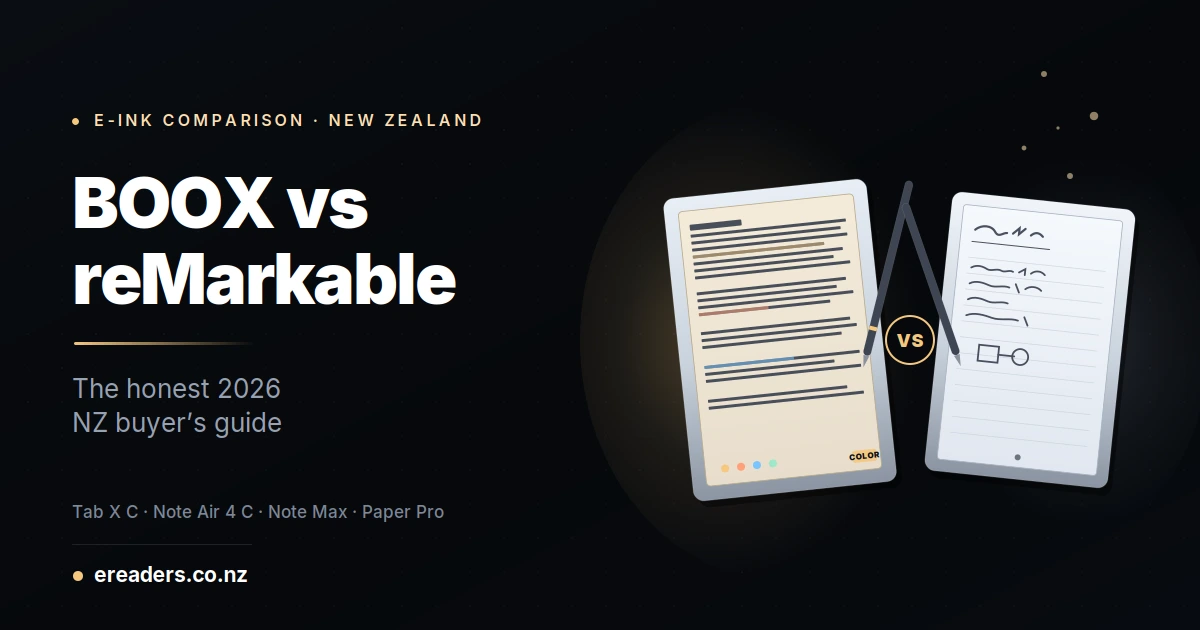
The BOOX vs reMarkable Paper Pro question isn’t really “which is better.” It’s “which one fits how you actually work.” reMarkable is built on curated focus one device, one job, done well. BOOX is built on open flexibility one device, many jobs, done well enough. Neither philosophy is wrong. But one of them is right for you specifically, and this comparison will help you commit.
The short answer which BOOX actually competes with the reMarkable Paper Pro?
Three BOOX models compete directly with the reMarkable Paper Pro in this class. The BOOX Tab X C matches on size and colour (13.3″, Kaleido 3). The BOOX Note Air 4 C matches on colour capability at a smaller size (10.3″, ~40% cheaper). The BOOX Note Max matches on size but skips colour (13.3″ monochrome, sharpest text of the four).
Which BOOX you should compare against reMarkable depends on your top priority colour, screen size, or price.
reMarkable Paper Pro what it actually is
The reMarkable Paper Pro is an 11.8″ colour E Ink writing tablet using reMarkable’s own Canvas display technology. It comes with a Marker pen (EMR-based), runs a closed operating system built entirely for writing and reading, and sits at roughly $1,050–$1,150 NZD landed in New Zealand.
What makes it distinctive
Everything about the Paper Pro is engineered to remove distractions from writing. No Google Play Store. No third-party apps. No notifications. You open it to write, you close it to stop. That focus is either the whole point of the product or the whole problem depending on what you actually need.
The Connect subscription worth knowing before you buy
reMarkable offers a Connect subscription at roughly NZ$12–$15/month that unlocks unlimited cloud storage, handwriting-to-text conversion, and integration with Google Drive, OneDrive, and Dropbox. Without it, you still get basic device functionality and 50 days of cloud backup but the full experience is a paid ongoing cost.
For anyone doing 3-year cost comparisons, this matters: $12/month over three years adds roughly $432 NZD to the reMarkable’s real total cost.
BOOX lineup what you’re actually comparing
The three BOOX flagships in this class all run Android 13 with full Google Play Store access, support 26+ file formats natively, and don’t require any cloud subscription. Everything you already own from Amazon, Google, or elsewhere works alongside BOOX’s own reader.
BOOX Tab X C
The direct 13.3″ colour competitor. Kaleido 3 colour ePaper at 300 PPI B&W / 150 PPI colour, with a dual-tone front light and the BOOX InkSpire stylus an active pen with built-in haptic feedback that simulates writing on paper via a vibration motor. ~$1,100–$1,300 NZD landed.
BOOX Note Air 4 C
The value pick. Same Kaleido 3 colour display at 10.3″ instead of 13.3″, front light, EMR Pen Plus included (no battery needed, more accurate than active pens at speed), full Android 13. ~$650–$800 NZD landed meaningfully cheaper than either the reMarkable Paper Pro or the Tab X C.
BOOX Note Max
The monochrome specialist. 13.3″ E Ink Carta 1300 at 300 PPI the sharpest text of the four devices. EMR Pen Plus included, but no front light and no colour capability. ~$1,150–$1,300 NZD landed. Purpose-built for A4-sized document work.
Head-to-head specs comparison
| Feature | reMarkable Paper Pro | BOOX Tab X C | BOOX Note Air 4 C | BOOX Note Max |
|---|---|---|---|---|
| Screen size | 11.8″ | 13.3″ | 10.3″ | 13.3″ |
| Colour | Yes (Canvas) | Yes (Kaleido 3) | Yes (Kaleido 3) | Monochrome only |
| Front light | Yes | Yes (dual-tone) | Yes (dual-tone) | No |
| Pen type | EMR Marker | Active + haptic (InkSpire) | EMR Pen Plus | EMR Pen Plus |
| Operating system | Closed | Android 13 + Play Store | Android 13 + Play Store | Android 13 + Play Store |
| File formats | Limited (PDF, EPUB) | 26+ formats | 26+ formats | 26+ formats |
| Subscription | Connect ~NZ$12–$15/mo | None | None | None |
| Est. NZD landed | $1,050–$1,150 | $1,100–$1,300 | $650–$800 | $1,150–$1,300 |
Where the reMarkable Paper Pro genuinely wins
reMarkable wins on curation, focus, and out-of-box polish. For buyers who value simplicity over flexibility and who see Android’s openness as noise rather than benefit the Paper Pro delivers a genuinely better writing-first experience.
Focused writing UX
There is no Kindle app to check. No email notifications. No temptation to browse Reddit while you should be reading. The Paper Pro’s closed OS is either the feature you love or the limitation you can’t stand reMarkable is upfront about this being a deliberate design choice.
Curated experience out of the box
reMarkable’s software is thoughtful in ways that Android-on-e-ink often isn’t. Templates render beautifully. Handwriting recognition works cleanly. Everything looks and feels intentional.
Active community and ecosystem
reMarkable has a passionate user base that produces templates, workflows, and integrations. If you’re the kind of person who wants to belong to a specific tool community, that community exists for reMarkable.
Premium hardware feel
The Paper Pro build quality is genuinely nice. The aluminium chassis, the Marker’s balance in-hand reMarkable spent money on materials, and it shows.
Where BOOX genuinely wins
BOOX wins on flexibility, value, and long-term cost. For buyers whose work spans reading, writing, note-taking, and productivity — and who don’t want to be locked into one ecosystem BOOX’s Android openness is a structural advantage.
Google Play Store access
Kindle, Kobo, Libby, Google Play Books, OneNote, Notion, Obsidian, Google Docs, Adobe Acrobat, Audible every Android app installs and works. Your existing Amazon library appears alongside your reMarkable-style handwritten notes. On the Paper Pro, you’re locked out of all of it.
File format flexibility
BOOX reads 26+ formats natively PDF, EPUB, DOCX, PPTX, CBR/CBZ (comics), DJVU (academic papers), MOBI (older Kindle books), and more. reMarkable is limited to PDF and EPUB with occasional conversion needed for other formats.
No ongoing subscription
Free cloud sync via BOOXDrop, plus Google Drive, OneDrive, Dropbox, and Onyx Cloud (10 GB free). Over three years, that’s a real cost difference of roughly $400+ NZD saved compared to reMarkable Connect.
Better pricing at the Note Air 4 C tier
The Note Air 4 C delivers Kaleido 3 colour, EMR pen, front light, and full Android at roughly $650–$800 NZD versus $1,050+ for the Paper Pro. If you can live with 10.3″ instead of 11.8″, the savings fund three years of e-books.
One device for multiple jobs
Read Kindle books, annotate PDFs, take handwritten notes, review Word documents, listen to Audible audiobooks, sync with your existing productivity tools. BOOX genuinely replaces two or three devices.
The pen and writing experience
Both the reMarkable Marker and BOOX’s EMR Pen Plus use the same underlying EMR (electromagnetic resonance) technology no batteries, ~21 ms latency, Wacom-class writing accuracy. The differences between them are smaller than reviewers often suggest.
The Tab X C is the exception its InkSpire stylus uses capacitive active technology plus a built-in haptic feedback motor that vibrates as you write, simulating paper drag. It’s a distinctive experience that some users prefer and others find gimmicky.
Practical assessment: for pure writing feel, the reMarkable Marker, Note Max Pen Plus, and Note Air 4 C Pen Plus are essentially equivalent. The Tab X C’s InkSpire is genuinely different try it before committing.
Software, ecosystem, and cloud sync
This is the biggest structural difference between the two philosophies. reMarkable operates a closed ecosystem with an optional subscription; BOOX operates on open Android with free cloud sync built in. Both approaches have merit.
reMarkable’s Connect subscription gives you handwriting-to-text conversion, unlimited cloud storage, and integrations with Google Drive, OneDrive, and Dropbox. Without it, you still have the device but the sync experience becomes limited.
BOOX’s approach is different: install whatever cloud apps you already use. Your Google Drive files sync via the Google Drive Android app. Your OneDrive documents sync via OneDrive. No subscription, no lock-in, no monthly cost.
NZ-specific considerations
Pricing and landed cost
reMarkable ships from Europe or the US into NZ, adding freight and GST at checkout. BOOX products are available from NZ retailers like ereaders.co.nz, which means you pay landed pricing upfront without customs uncertainty.
Warranty and support
Buying BOOX through an NZ retailer means warranty claims stay local you deal with an NZ-based seller under Consumer Guarantees Act protections. reMarkable warranty claims go through reMarkable’s international support, which is workable but adds friction.
The Connect subscription in NZ
reMarkable Connect’s roughly NZ$12–$15/month price includes GST. Over 3 years, that’s $432–$540 NZD in ongoing costs. Factor this into your budget when comparing sticker prices.
The 3-year real-cost comparison
| Device | Year 1 (device + accessories) | Years 2–3 (subscription + spare tips) | 3-year total |
|---|---|---|---|
| reMarkable Paper Pro + Connect | ~$1,200 | ~$450 (subscription) + $50 (tips) | ~$1,700 |
| BOOX Tab X C | ~$1,250 | ~$50 (tips) | ~$1,300 |
| BOOX Note Air 4 C | ~$750 | ~$50 (tips) | ~$800 |
| BOOX Note Max | ~$1,200 | ~$50 (tips) | ~$1,250 |
The Note Air 4 C ends up costing less than half of a fully-subscribed Paper Pro over three years. That’s a real difference enough to buy a lot of books.
Which is right for YOU decision framework
Pick the reMarkable Paper Pro if: You want a curated, distraction-free writing tool and you’re willing to pay a premium (in both sticker price and ongoing subscription) for that curation. Your primary use case is handwritten notes and PDFs not reading, not productivity, not multi-app workflows.
Pick the BOOX Tab X C if: You want colour, haptic pen feedback, and 13.3″ screen size, and you want Android openness for reading Kindle books and using productivity apps alongside note-taking.
Pick the BOOX Note Air 4 C if: You want the best value in this category. Same core capabilities as the Tab X C at a smaller size, roughly 40% cheaper, and no subscription costs. Best fit for most NZ buyers.
Pick the BOOX Note Max if: Your work involves A4-sized PDFs, engineering drawings, sheet music, or dense text documents and colour isn’t essential. The sharpest text of any 13.3″ e-ink tablet on the market.
FAQs
Is the reMarkable Paper Pro really worth the price?
Depends on your priorities. If focused writing is your primary use case and you value curation over flexibility, yes. If your work spans reading, note-taking, and productivity apps, BOOX gives you significantly more for the same money.
Can a BOOX tablet fully replace a reMarkable Paper Pro?
For most workflows, yes. BOOX handles handwritten notes, PDF annotation, and reading equally well, plus adds Android app support that reMarkable lacks. Where reMarkable wins is the polished, curated writing UX if that specific experience is what you want, BOOX won’t fully replicate it.
Does any BOOX have haptic feedback like the reMarkable Paper Pro?
The reMarkable Paper Pro doesn’t have haptic feedback that’s a BOOX Tab X C feature, not reMarkable’s. If haptic feedback matters to you, the Tab X C is the only device in this comparison that offers it.
Which is better for reading Kindle books?
BOOX, clearly. Install the Kindle app from Google Play, log in with your Amazon account, and your entire Kindle library appears. reMarkable Paper Pro doesn’t support the Kindle app at all you are limited to PDF and EPUB.
Can I use OneNote on a reMarkable?
No. reMarkable has no OneNote app. On any BOOX, you install OneNote from Google Play and sync as you would on a phone.
Which is better for engineers, architects, or academics working with A4 PDFs?
The BOOX Note Max is the strongest choice here 13.3″ A4-sized screen at 300 PPI shows engineering drawings and academic PDFs at full size without zooming. reMarkable Paper Pro at 11.8″ requires slightly more zoom for A4 documents.
Is the reMarkable Connect subscription worth it in NZ?
For full functionality, yes but factor NZ$432–$540 over three years into your budget comparison. Without Connect, you keep the device and basic sync, but lose handwriting-to-text and cross-device cloud integrations.