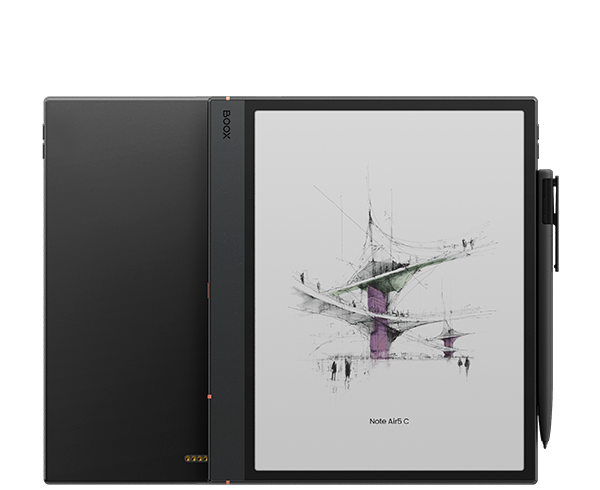
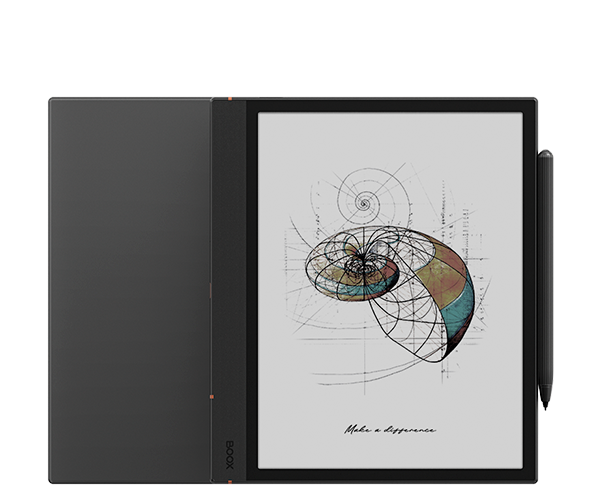
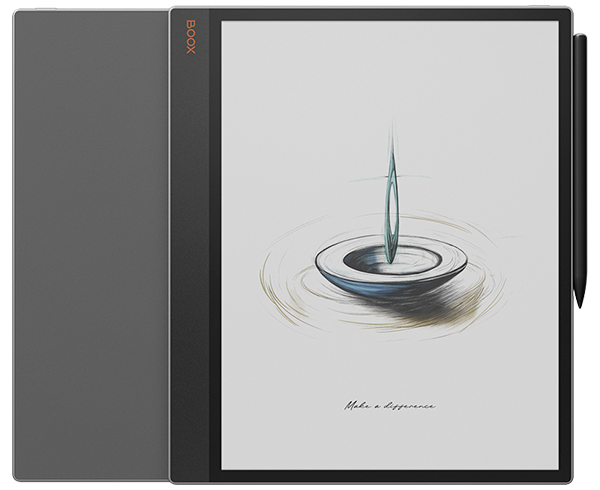
Bring your ideas to life with the premium Android ePaper notebooks, delivering a genuine pen-on-paper feel and versatile features for effortless reading, brainstorming and thought organization.
A complete digital notepad.
Feels more like real paper than ever.
Spark your creativity.
Tackle everyday office tasks with ease.
Designed for innovators and go-getters.
Enjoy brighter whites and softer hues on the enhanced color ePaper display, immersing yourself in eye-soothing colors that inspire creativity and boost reading efficiency.
Handle proffessional work and complex projects smoothly with the advanced octa-core CPU, 6GB RAM, and BSR² technology.
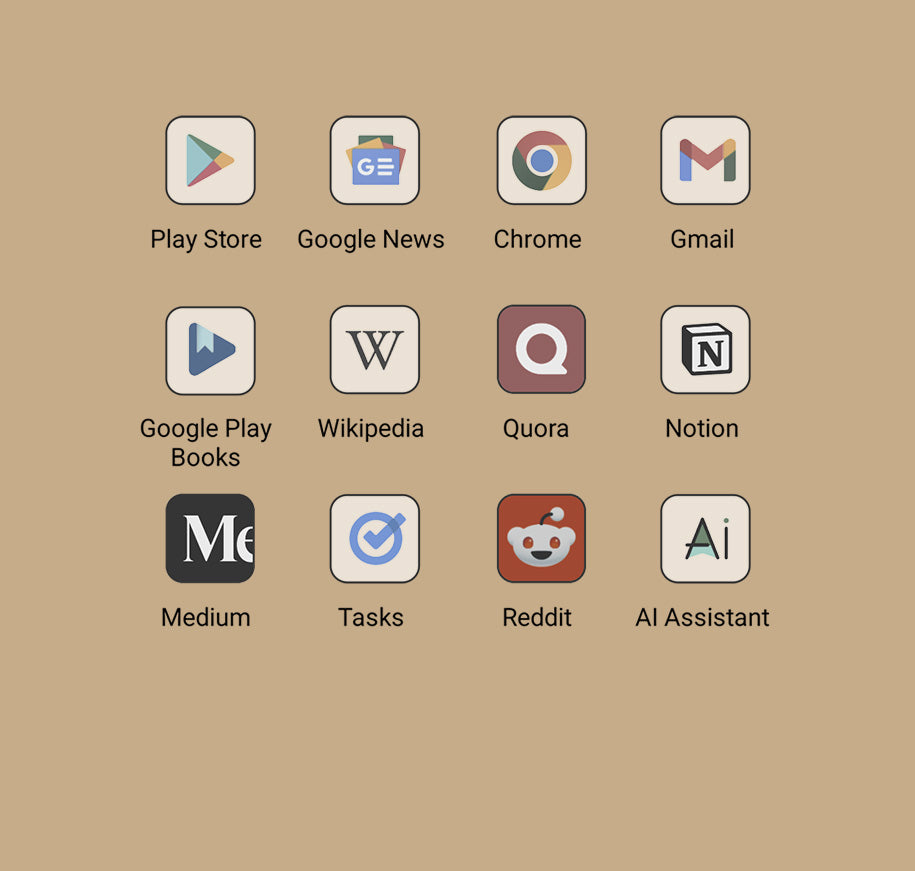
Access any third-party apps from the Google Play Store, whether for note-taking, reading, or project management.
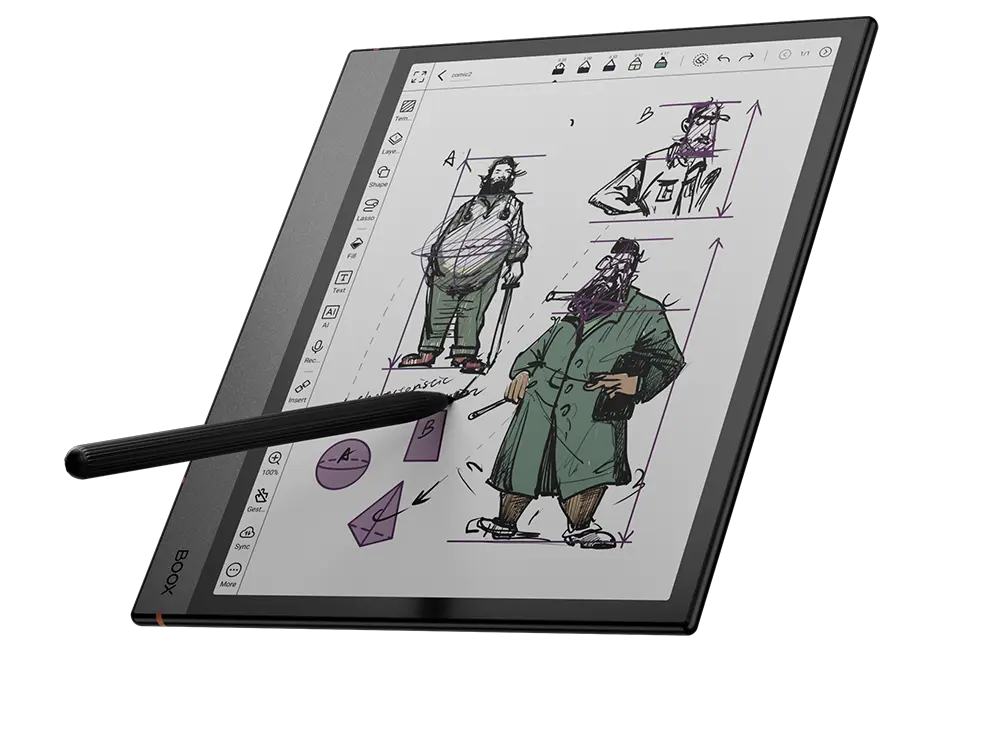
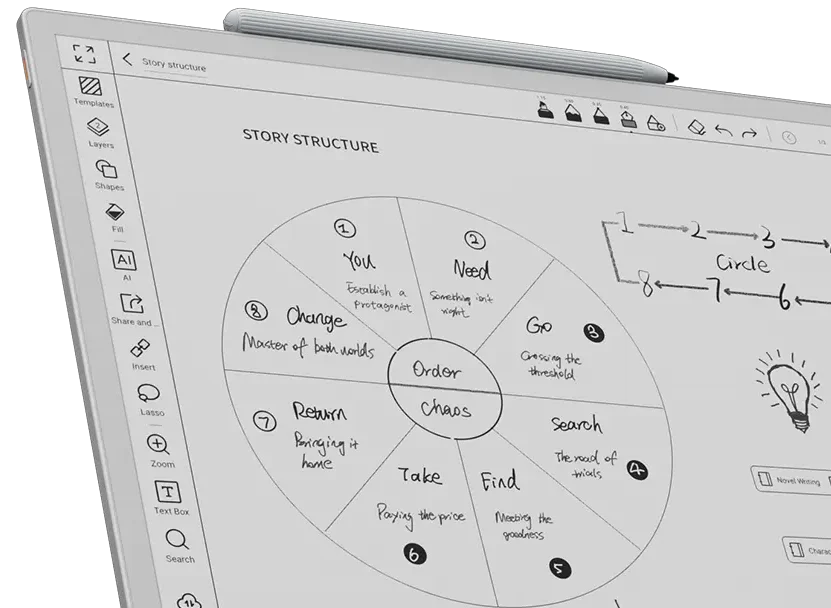
Embrace a paper-like writing feel and capture your thoughts elegantly with a variety of brushes, colors, shapes, AI-powered Smart Scribe tools, and more.
Get a customizable and productive reading session with various reading appearances³ and powerful features in the NeoReader.
Enjoy brighter whites and softer hues on the enhanced color ePaper display, immersing yourself in eye-soothing colors that inspire creativity and boost reading efficiency.
Made for Bold Thinkers and Creators.
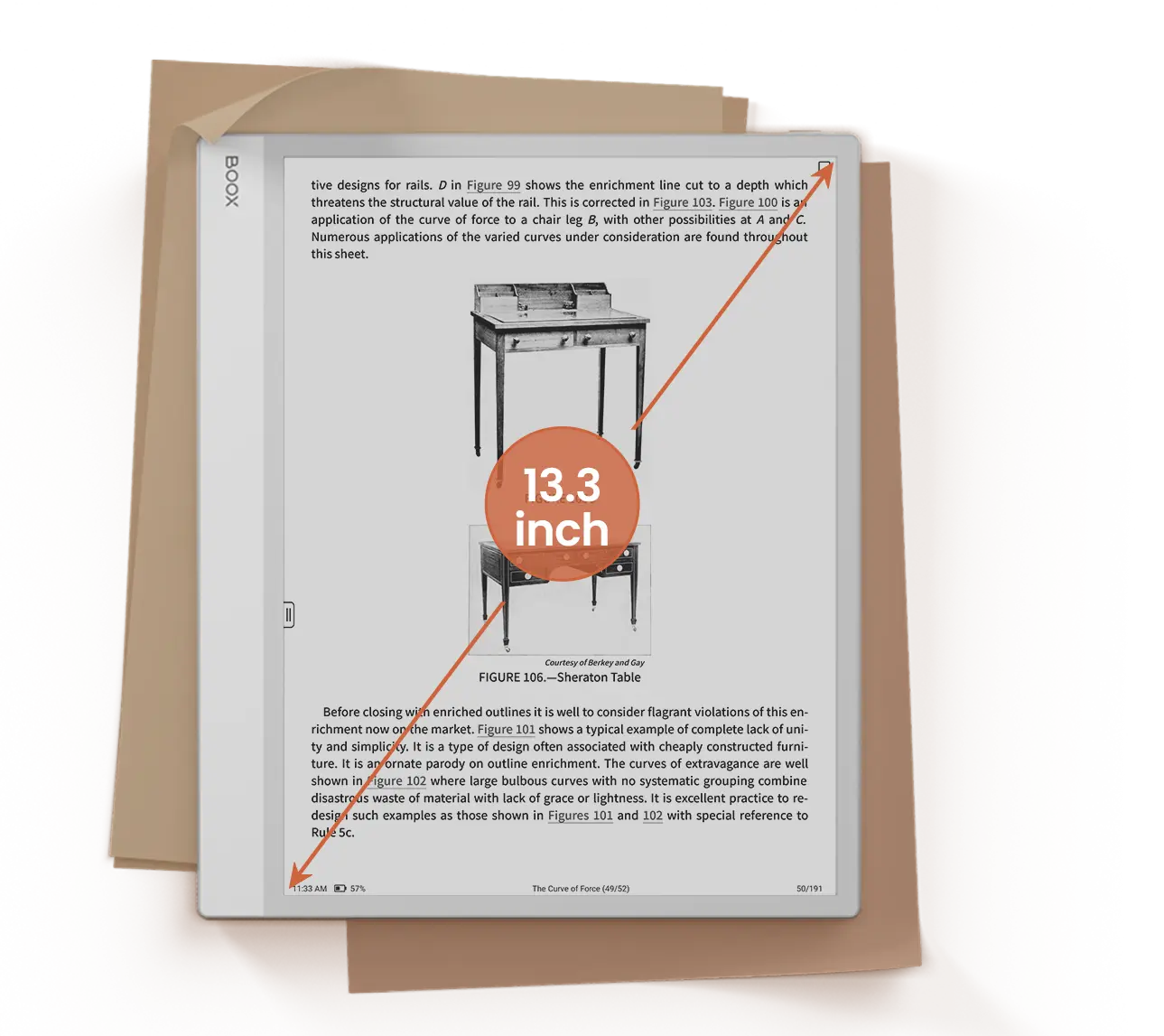
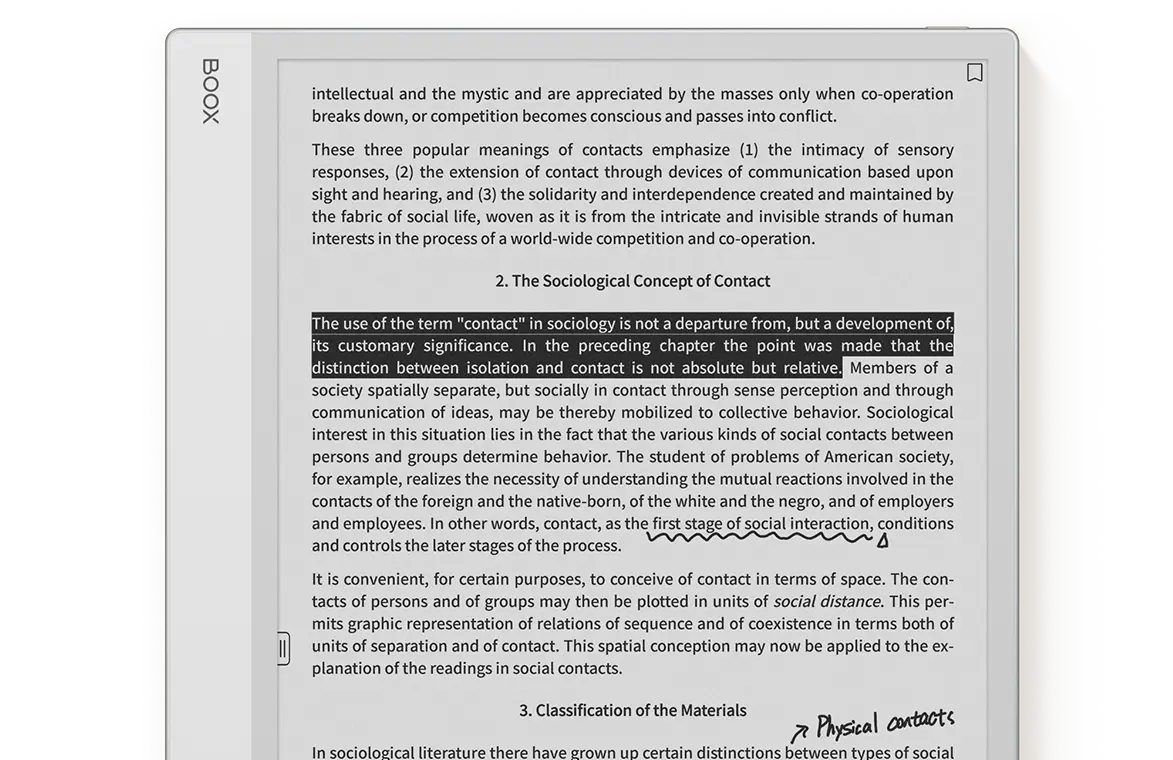
Enjoy superior readability and enhanced focus on the ultra-crisp 13.3″ Carta 1300⁴ screen. Free from front light, you can read and write as if you were actually on paper.
Relish the chic, clean look and the spacious A4-sized workspace in a super-slim profile.
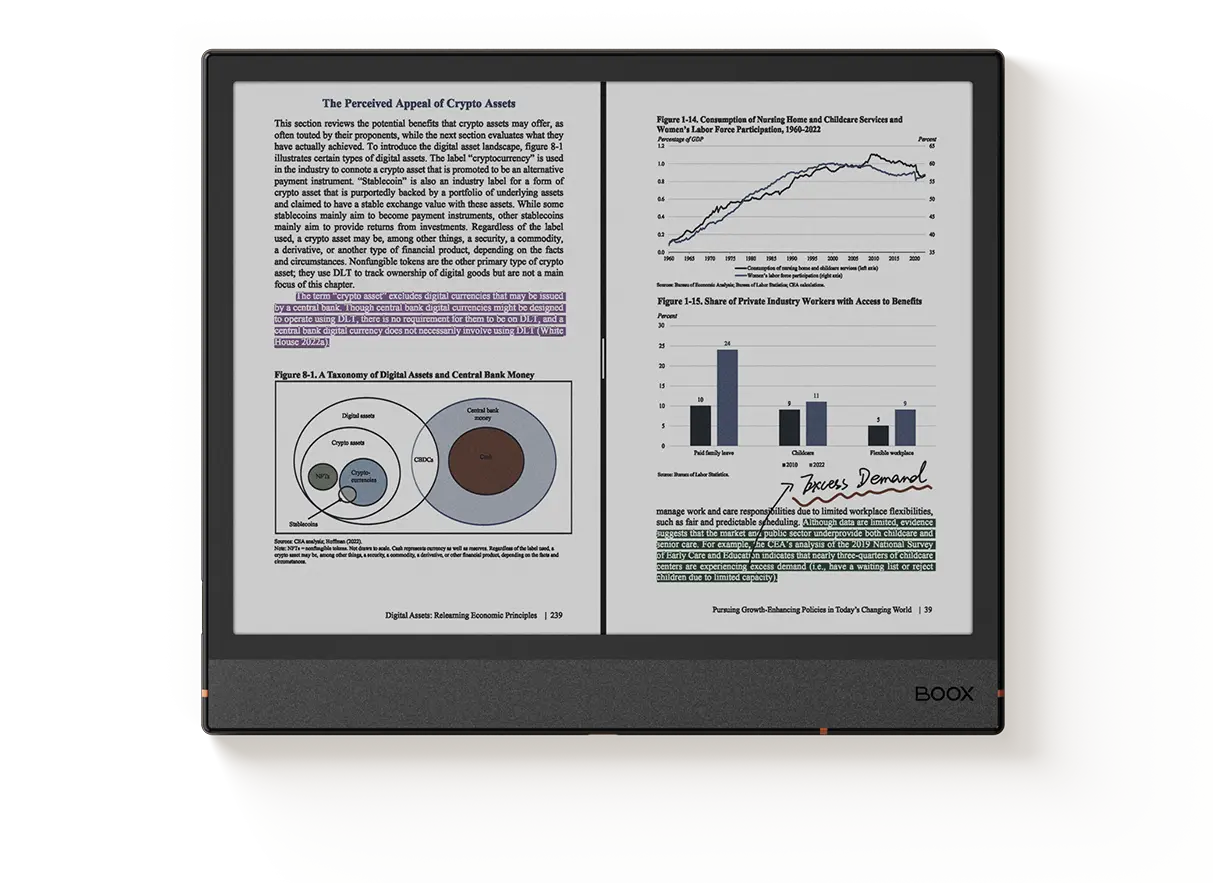
Easily highlight, annotate, sync, and customize your reading experience across any format⁵.
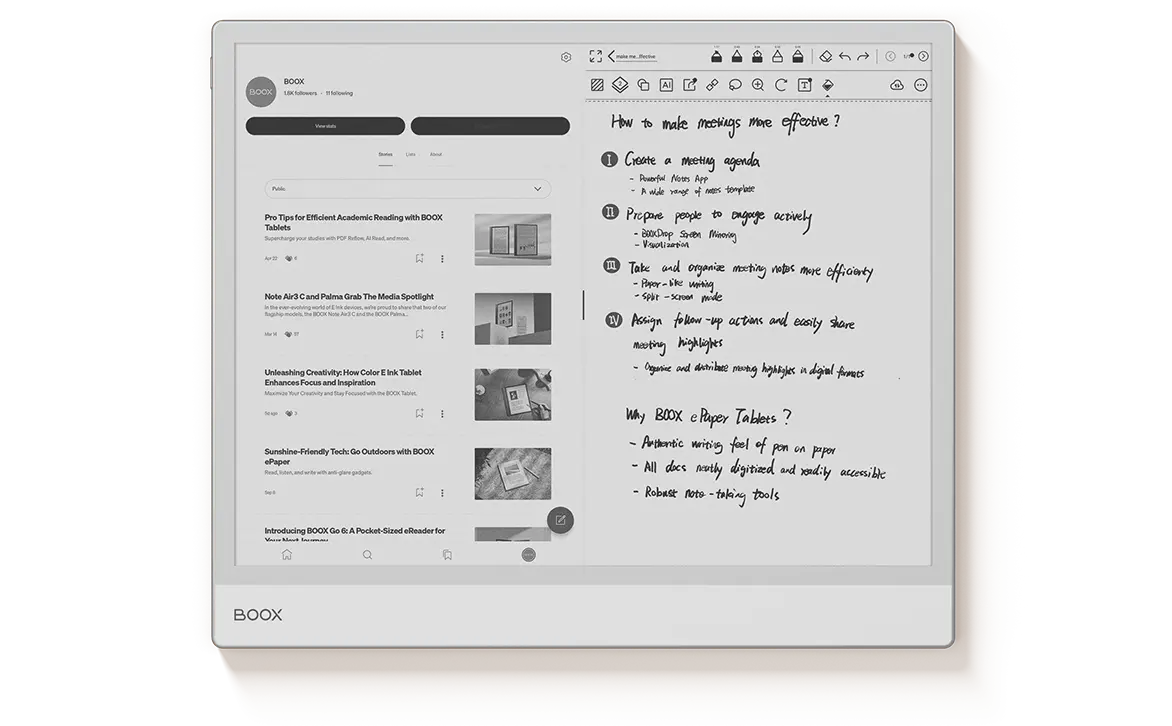
Enjoy efficient multitasking and smooth app performance with the 2.8GHz octa-core chip, 6GB RAM, and exclusive BSR technology.
Create, edit, and organize your thoughts fluidly with intuitive features and a pen-to-paper writing experience.
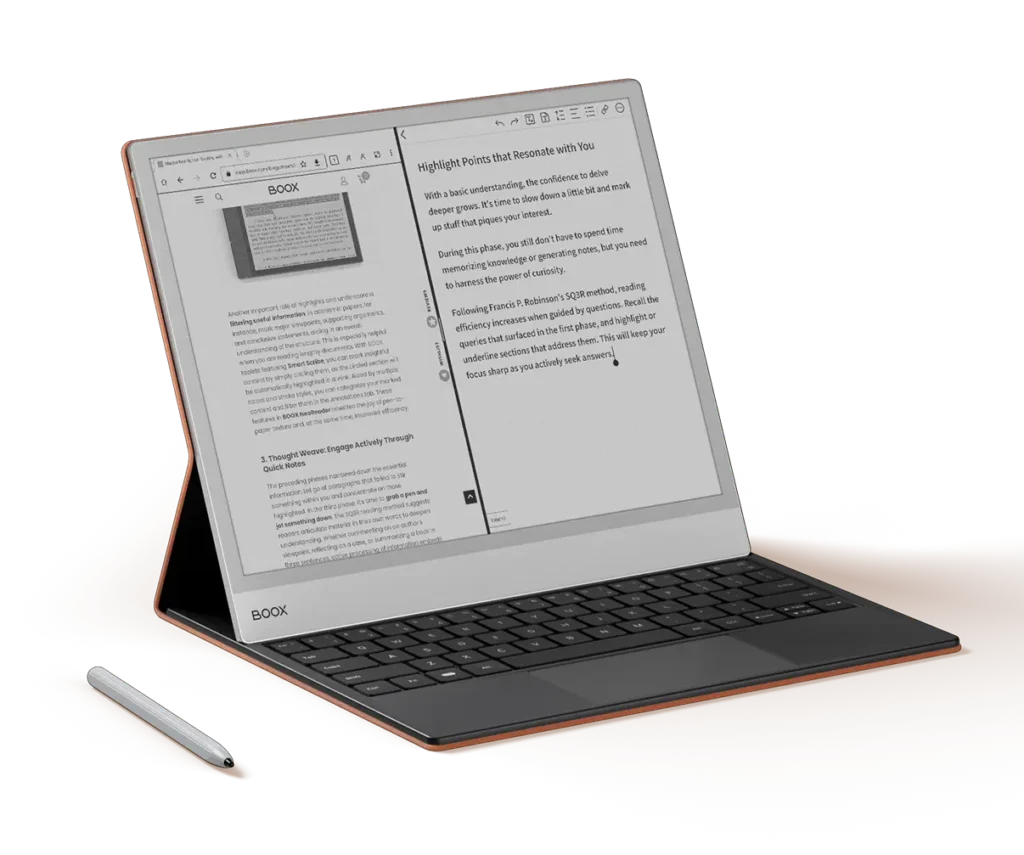
Transform your Note Max into a laptop with the keyboard cover for responsive typing, or wrap it in the stylish magnetic cover for ultimate protection.
Designed for Expansive Thinking and Clarity.
The BOOX Note Series is a collection of large-screen E Ink tablets designed for note-taking, reading, PDF annotation, studying, and professional productivity. Unlike traditional eReaders, BOOX Note devices combine paper-like E Ink displays with Android operating systems, Google Play Store access, handwriting capabilities, and cloud synchronization tools. The lineup includes devices such as the Note Air series and Note Max, offering solutions for students, professionals, researchers, and creators.
The best BOOX Note Series device depends on your workflow. The Note Air series is ideal for users who want a balance of portability and advanced note-taking features, while the Note Max is better suited to users who need a larger A4-sized workspace for documents, research papers, and extensive handwriting. All Note Series devices support stylus input, handwritten notes, PDF annotation, and digital organization tools.
Yes. BOOX Note Series devices are popular among students because they combine textbook reading, PDF annotation, handwritten notes, and Android app support in a single device. Students can organize lecture notes, review academic papers, access cloud storage, and reduce the need for printed materials while benefiting from an eye-friendly E Ink display.
The BOOX Note Series is designed for professionals who work with reports, contracts, presentations, research documents, and meeting notes. Features such as handwriting support, cloud synchronization, multitasking, PDF markup, and Google Play Store access make these devices useful for business, consulting, education, legal work, and project management.
For many users, yes. BOOX Note devices provide a paper-like writing experience while allowing notes to be digitally organized, searched, synchronized, and backed up. This enables students, professionals, and researchers to replace multiple notebooks with a single digital workspace while maintaining the natural feel of handwriting.
Yes. PDF reading and annotation are among the strongest features of the BOOX Note Series. Users can highlight text, add handwritten comments, organize research materials, and review business documents directly on the E Ink display. The larger screen sizes make working with academic papers, reports, and contracts more comfortable than on smaller eReaders.
Yes. BOOX Note Series devices run Android and support Google Play Store access. Users can install Kindle, Kobo, Libby, Audible, OneNote, Evernote, Google Drive, Dropbox, Microsoft Office applications, and other productivity tools. This flexibility allows users to customize their workflow around their preferred apps.
The BOOX Note Series offers greater flexibility than Kindle Scribe because it supports Android applications and multiple ebook ecosystems. While Kindle Scribe focuses primarily on Amazon’s ecosystem, BOOX Note devices allow users to access Kindle, Kobo, Libby, cloud storage services, productivity tools, and note-taking applications from a single device.
The BOOX Note Series is optimized for reading, writing, studying, and focused productivity, while an iPad is designed for multimedia, gaming, and general computing. BOOX devices offer longer battery life, better outdoor readability, and a paper-like writing experience. Users who prioritize note-taking, reading, and reduced eye strain often prefer E Ink devices over traditional tablets.
Traditional eReaders are primarily designed for reading books, whereas the BOOX Note Series combines reading, handwriting, note-taking, PDF annotation, Android applications, cloud synchronization, and productivity tools. This makes the Note Series a powerful digital notebook and workflow management platform for students, professionals, and creators.
Choose the suitable ePaper notebook to think, craft, and organize with ease.
Carta 1300 Monochrome Screen
300PPI
2.8GHz Octa-core CPU
BOOX Super Refresh Technology
No Front Light
N/A
Auto-rotation
6GB + 128GB
3700mAh
Android 13
Built-in Google Play Store
4.6 mm Thickness
Approx. 615 g
* BOOX is committed to offer free 10GB Onyx cloud storage for all new and existing users. No matter which model you’ve purchased, you can get free 10GB cloud storage for each Onyx account to store your notes online and keep them safe and sound.
** BOOX is committed to provide free firmware updates for all models for more than 3 years since the product launch date. So every BOOX user can have improved experiences through consistent updates.
[1] The Kaleido 3 screen is E Ink’s most recent ePaper color screen. It offers a relatively high refresh rate, relaxing hues, and is ready for mass production with consistent quality. And with E Ink ComfortGaze™ on the Kaleido 3, a new front light technology, the Note Air4 C with adjustable front lights can offer a comfortable viewing experience day and night. The new screen and its front light technology may generate a tiny side shadow, which may be eliminated by adjusting the screen brightness and color temperature. If you have any queries about the new E Ink technology, you can contact our customer care at any time.
[2] BOOX Super Refresh Technology (BSR) is an exclusive innovation unveiled by BOOX in 2022 to improve the refresh performance and image quality of its ePaper products. The BSR technology with four refresh modes can make the image run smoothly or reduce ghosting.
[3] The feature of preset reading appearance is offered by the V3 NeoReader engine, available with the latest BOOX firmware.
[4] The Carta 1300 screen is the latest generation of E Ink display technology, offering enhanced visual quality and performance. The enhanced contrast makes blacks deeper and whites brighter, while faster refresh rates bring smoother transitions between pages.
[5] BOOX Note Series and other BOOX tablets are compatible with 26 digital formats, including PDF, CAJ, DJVU, CBR, CBZ, EPUB, EPUB3, AZW3, MOBI, TXT, DOC, DOCX, FB2, CHM, RTF, HTML, ZIP, PRC, PPT, PPTX, PNG, JPG, BMP, TIFF, WAV, and MP3.
The images are for illustration purposes only, and colors appear differently on computer monitors and cell phone displays. The actual product and firmware serve as the standard.
No products in the cart.