Note Max

A full A4-sized ePaper notebook
crafted for broad ideas and clear vision.

See the Essentials

4.6mm slim profile, 13.3’’ monochrome ePaper screen

Spacious canvas & exceptional sharpness



Comprehensive Tool for Content Review

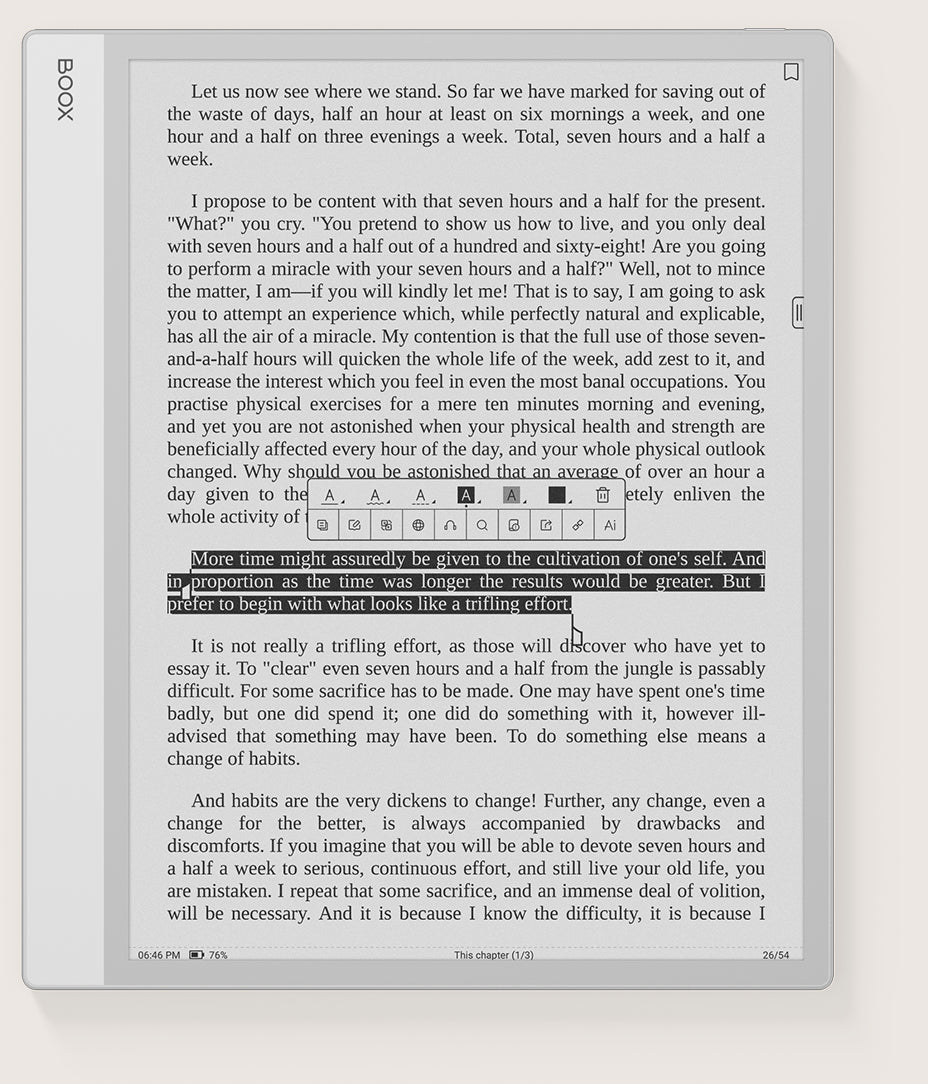
Seamlessly emphasize, comment, synchronize, and personalize your reading journey in any format.

A Journal that Matches Your Imagination

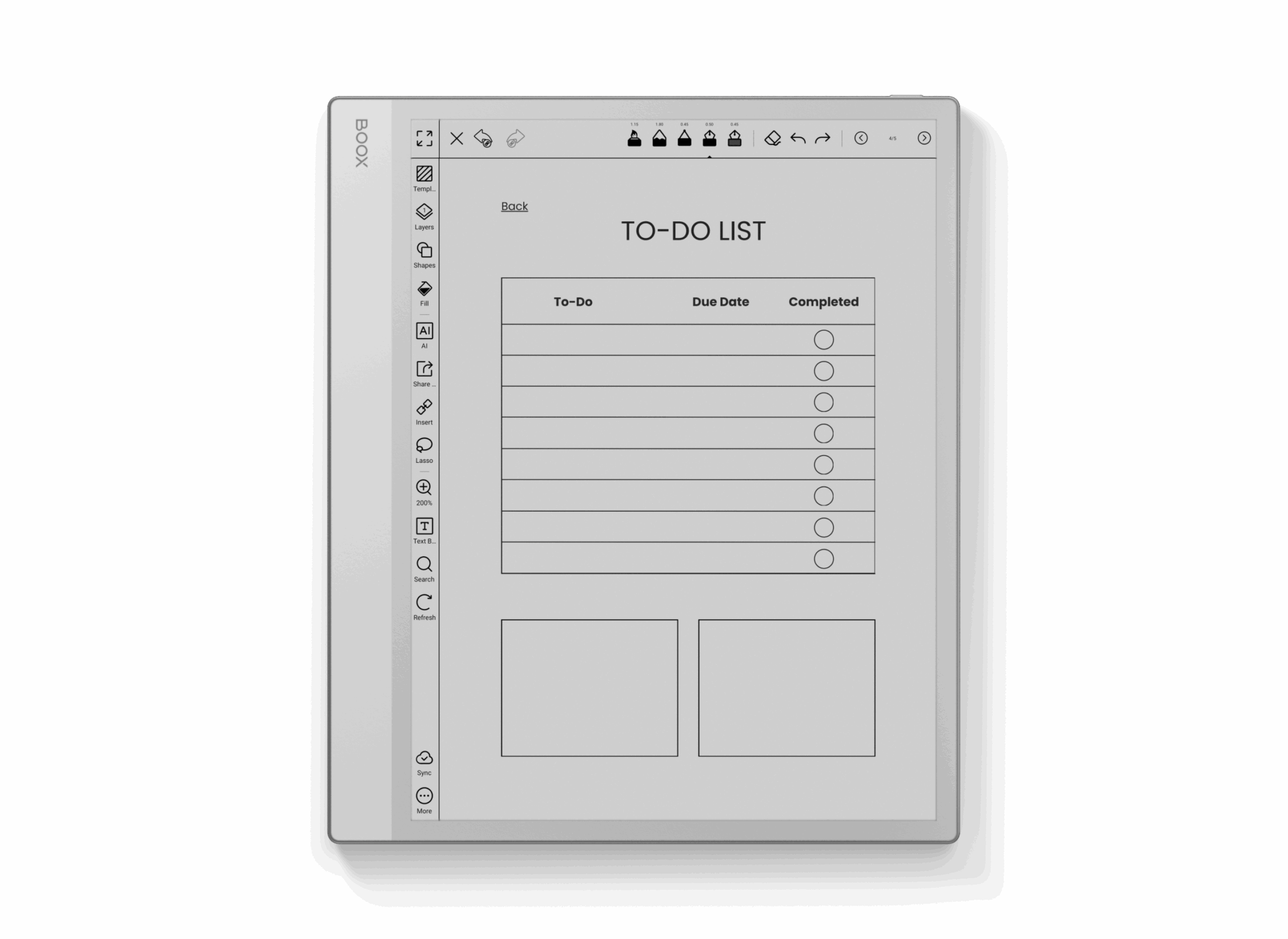
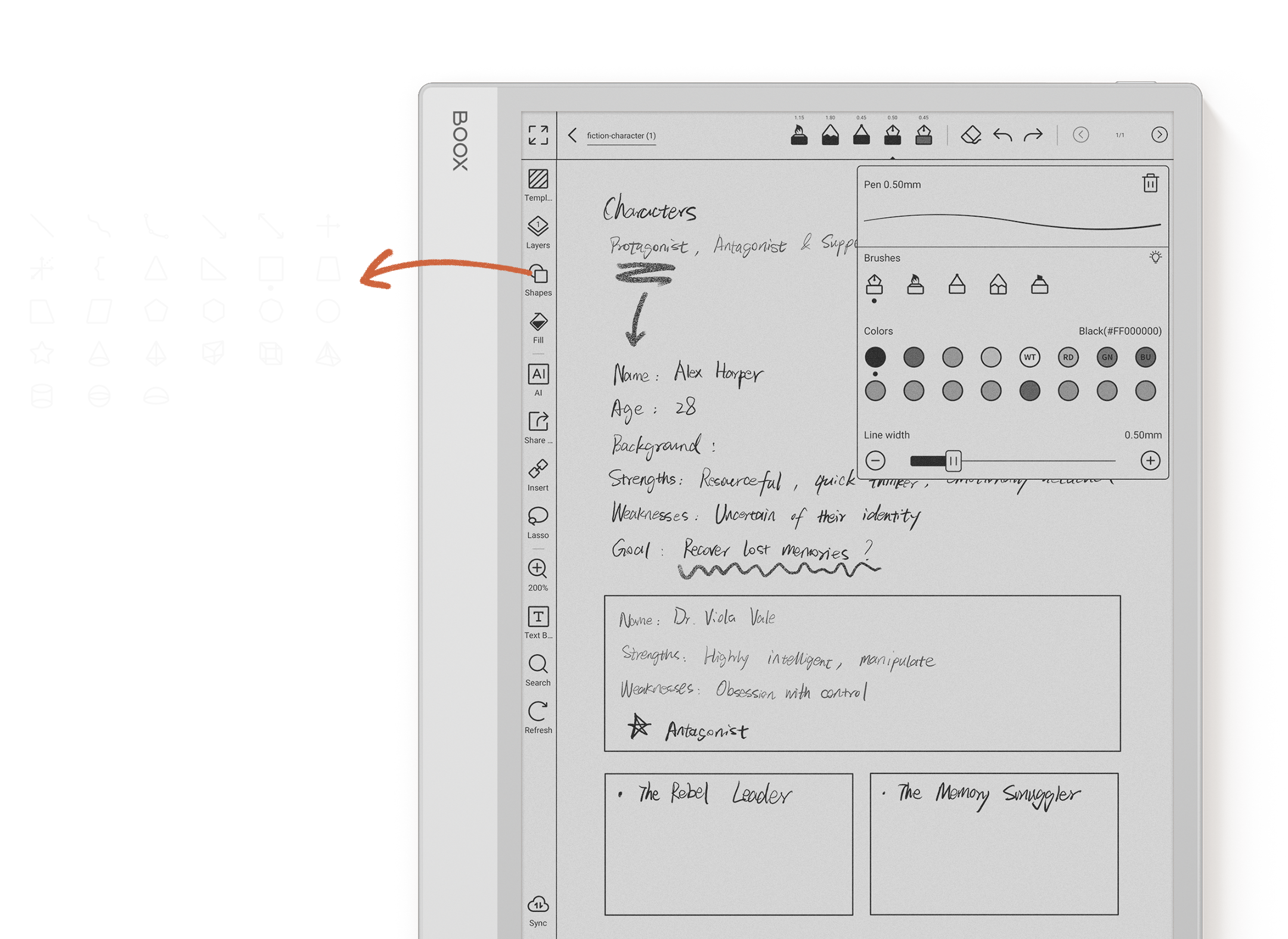
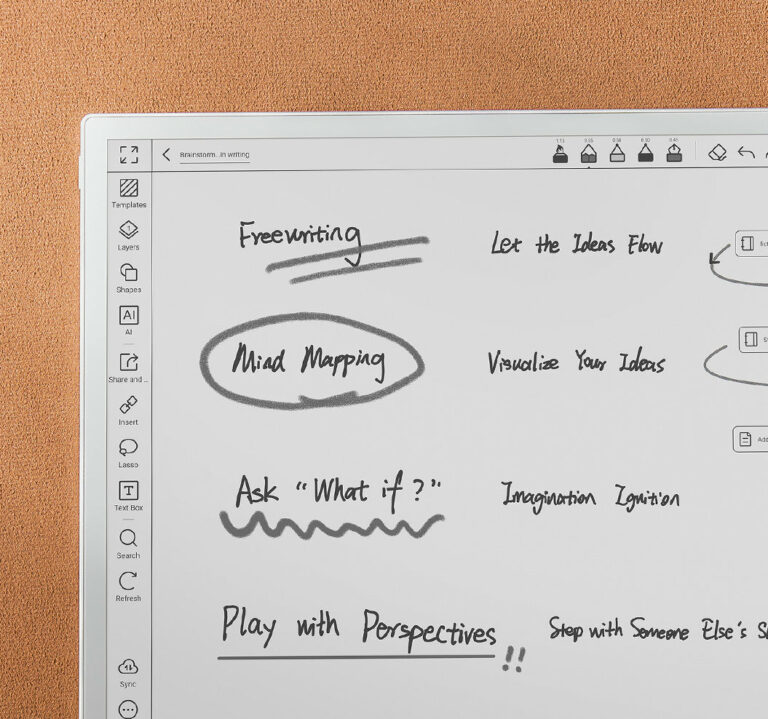
Easily draft, refine, and structure your ideas with a natural, paper-like writing feel.

2.8GHz Octa-Core Processor with 6GB RAM

Seamlessly manage your creative and professional tasks with speed and efficiency.

Seamless Navigation and Control

Enjoy instant access through personalized widgets, rapid note synchronization, and hassle-free file sharing.

*Check and update your device to the latest firmware for the handwriting capability.

Expansive Display, Refined Thinness

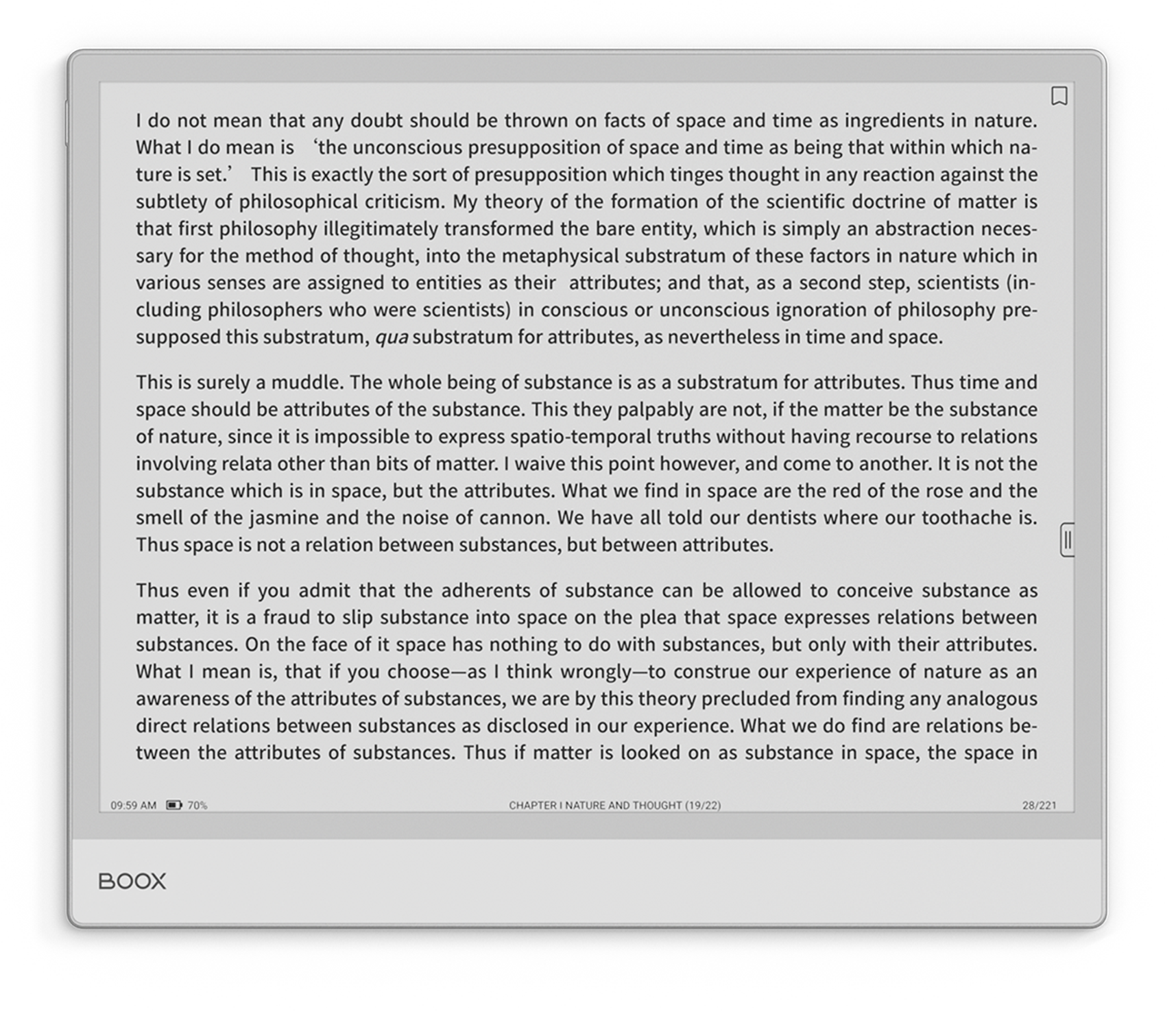
The ultra-slim Note Max features a 13.3” HD E Ink Carta 1300¹ screen, providing ample space for effortless thought development.

4.6mm

Minimal workspace setup featuring BOOX Note Max e-ink tablet

Get a Detailed View

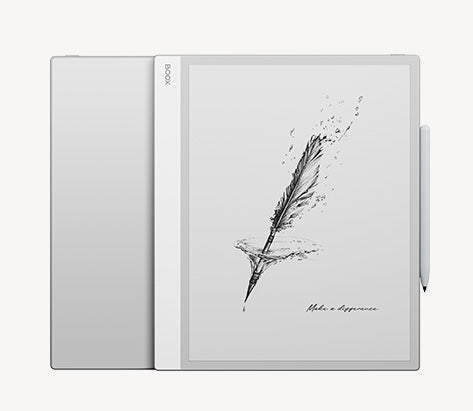
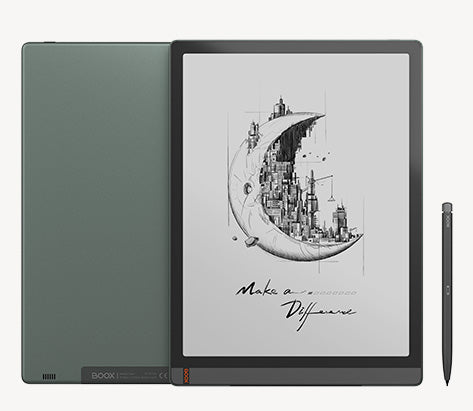
The Note Max is designed with a quiet sophistication, featuring a sleek form and the timeless elegance of the classic Note series on the back.

Its minimalist style elevates your workspace, while the paper-like display reflects clarity and simplicity.

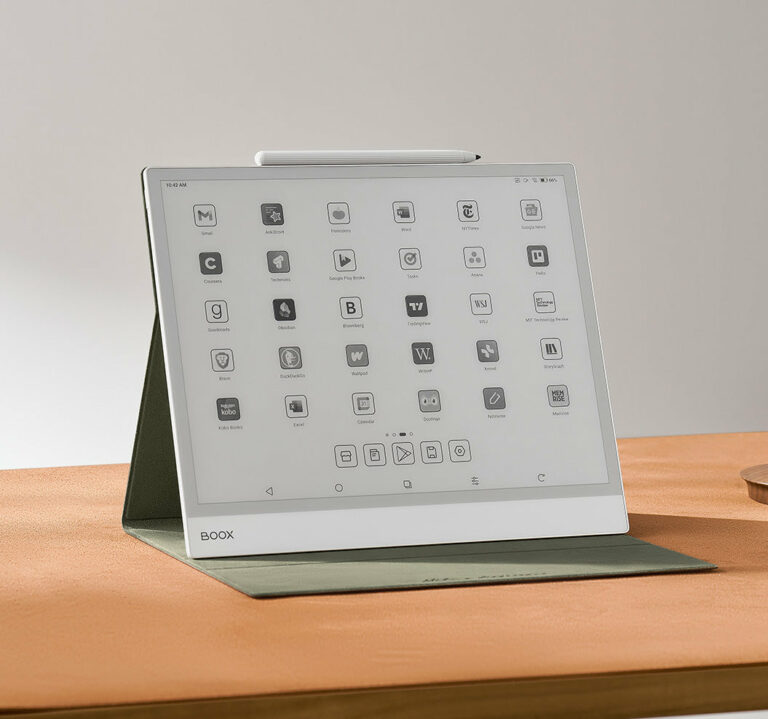
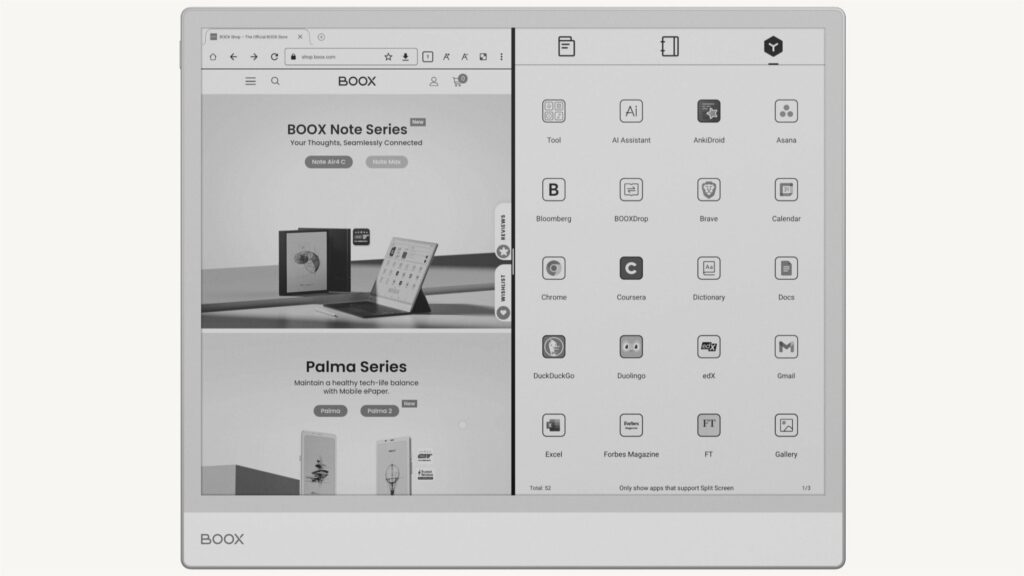
BOOX Note Max displaying app grid and productivity tools on e-ink tablet

Unrivaled Sharpness for Your Most Brilliant Thoughts

Naturally illuminated without front light, the screen delivers sunlit clarity on every page. With an impressive 300 PPI resolution, each word appears crisp and vivid, drawing you into the content while sharpening your concentration.

Note Max

Read and write as if you were actually on paper.

Experience reading and writing as though it were real paper.

E Ink Carta 1300 Display

Exceptional legibility and improved concentration.

Letter-sized

Ample workspace for all your tasks.

Discover Ways to Enhance Your Reading Experience

BOOX Note Max e-ink tablet with productivity and reading interface preview

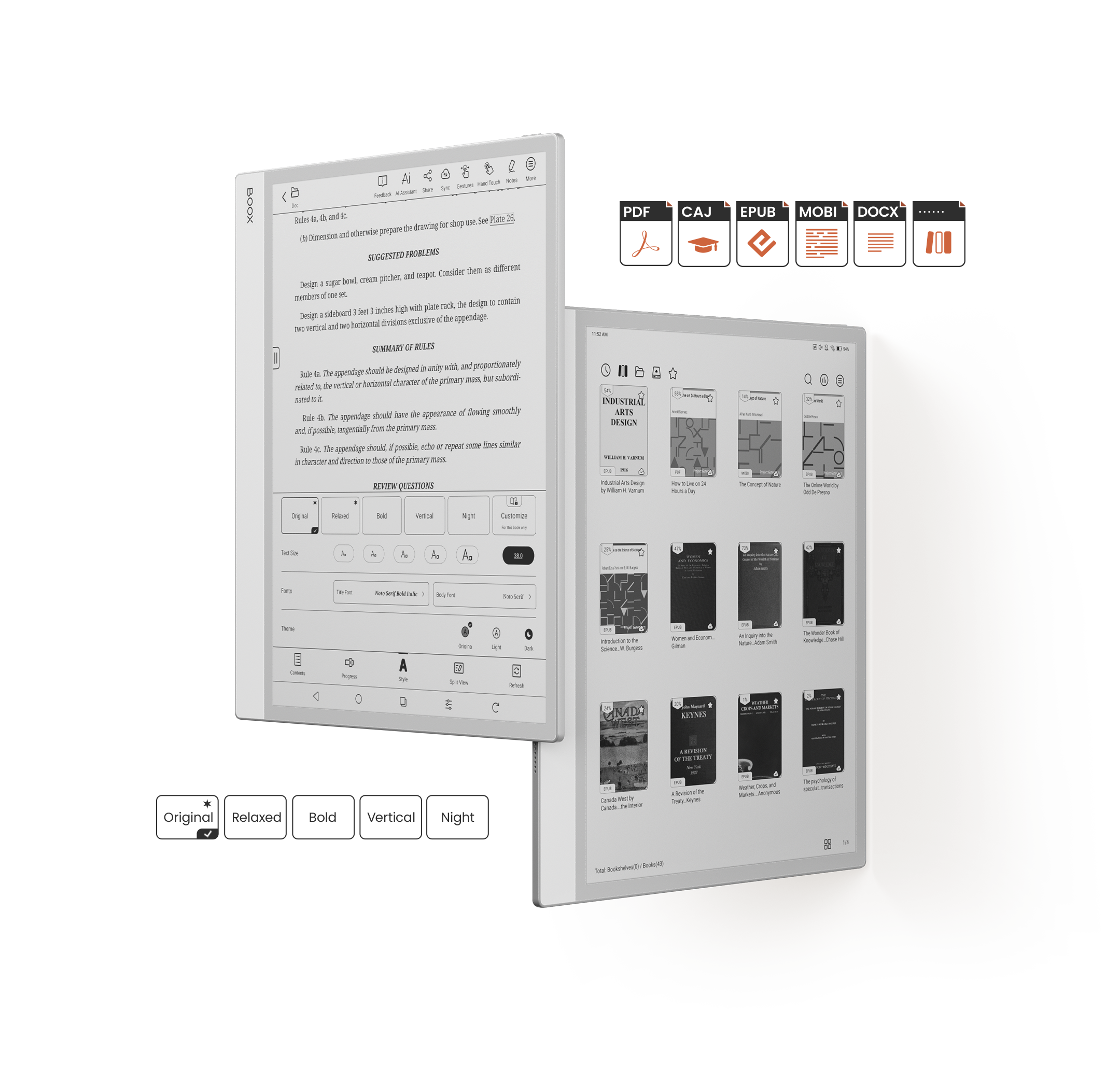
Easily access and view files
across various formats³.

Select from a variety of preset
appearance² to enhance readability.

Streamline Document Review

BOOX Note Max e-reader displaying text-heavy document for distraction-free reading
BOOX Note Max showing detailed document page with annotations on e-ink display

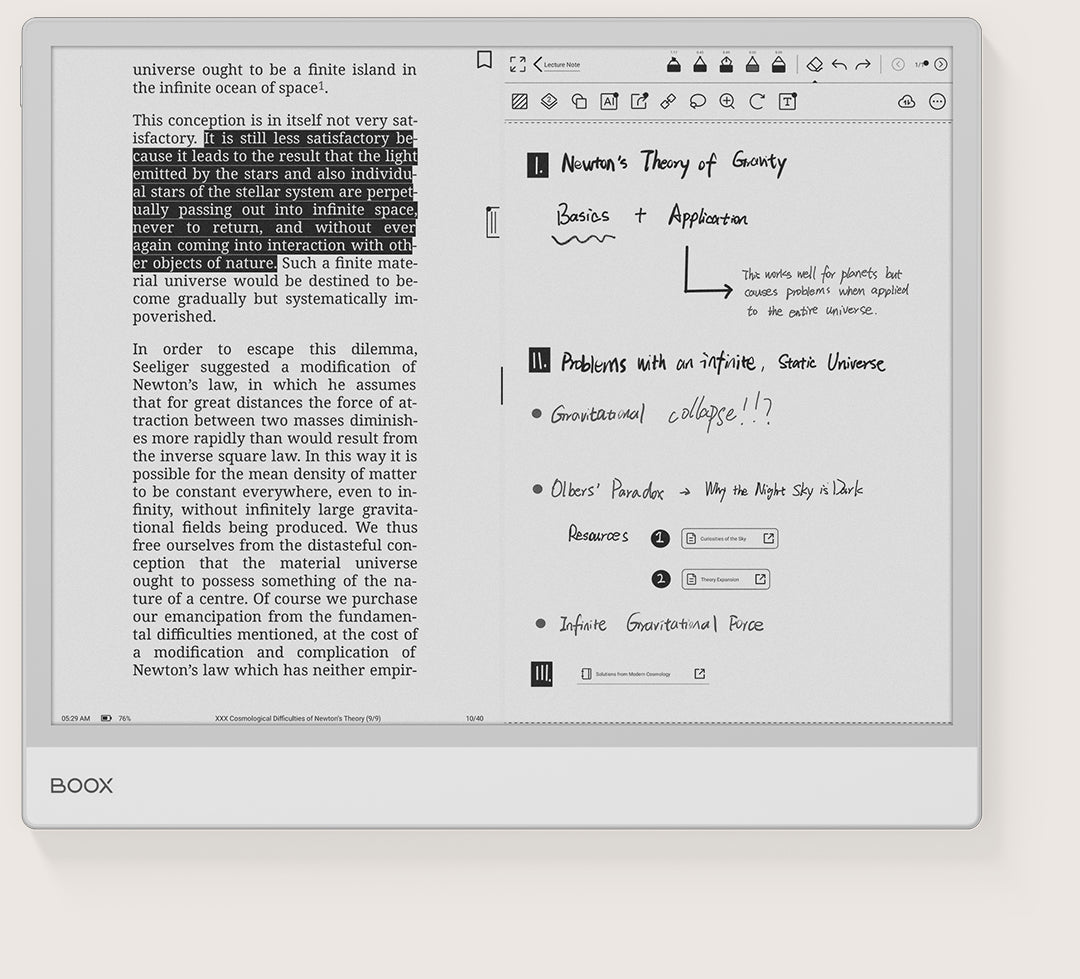
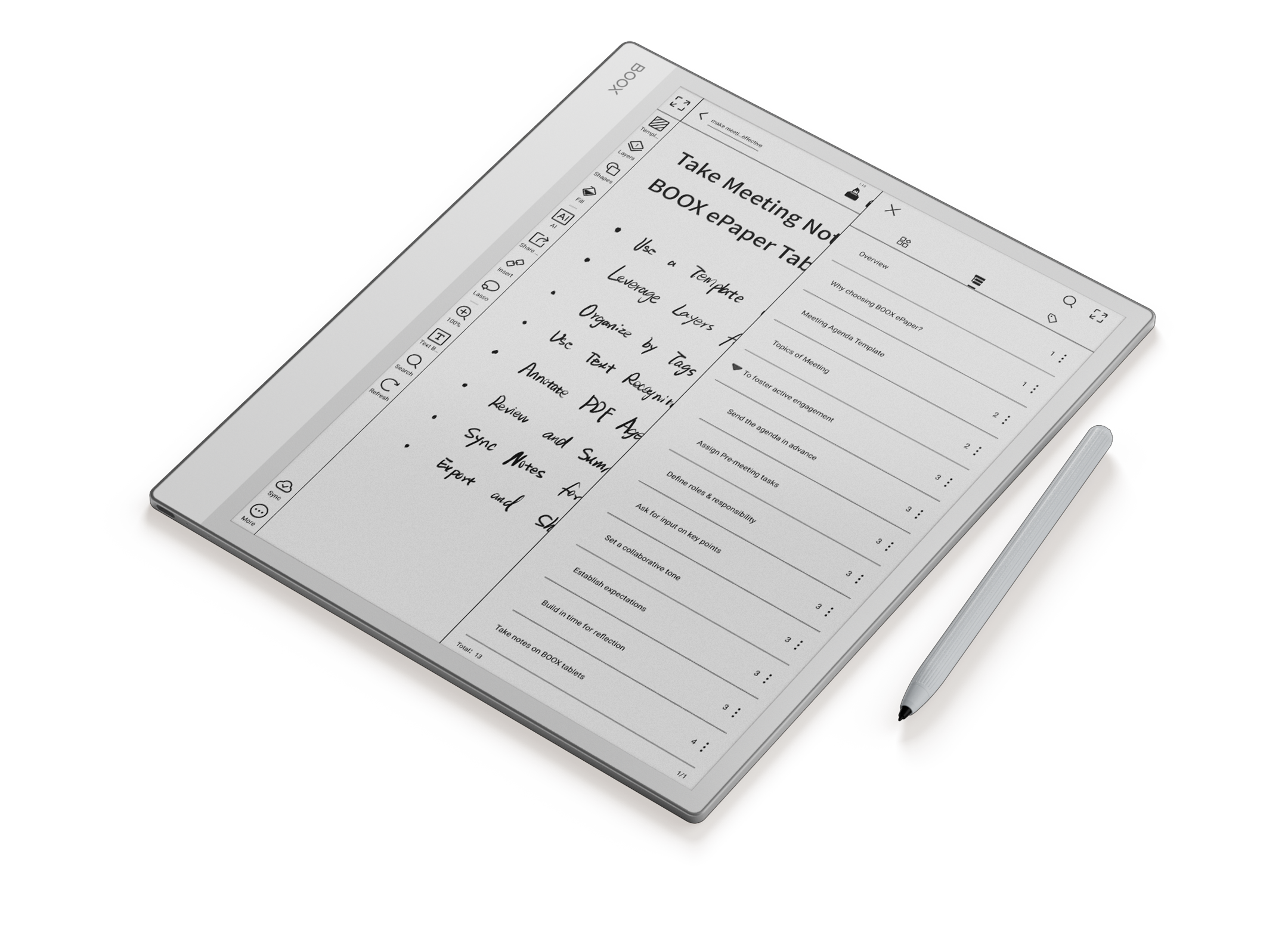
Mark, comment, and connect files to better structure your ideas. With split-screen support, you can review documents while jotting notes side by side.

Versatile Writing Features

The sleek Note Max boasts a 13.3” HD E Ink Carta 1300¹ display, giving you generous room for seamless idea creation.

AI-Driven Editing Tools

Make note editing easier with Smart Scribe.

BOOX Note Max e-ink tablet displaying handwritten notes and annotations

Instantly Access Connected Resources

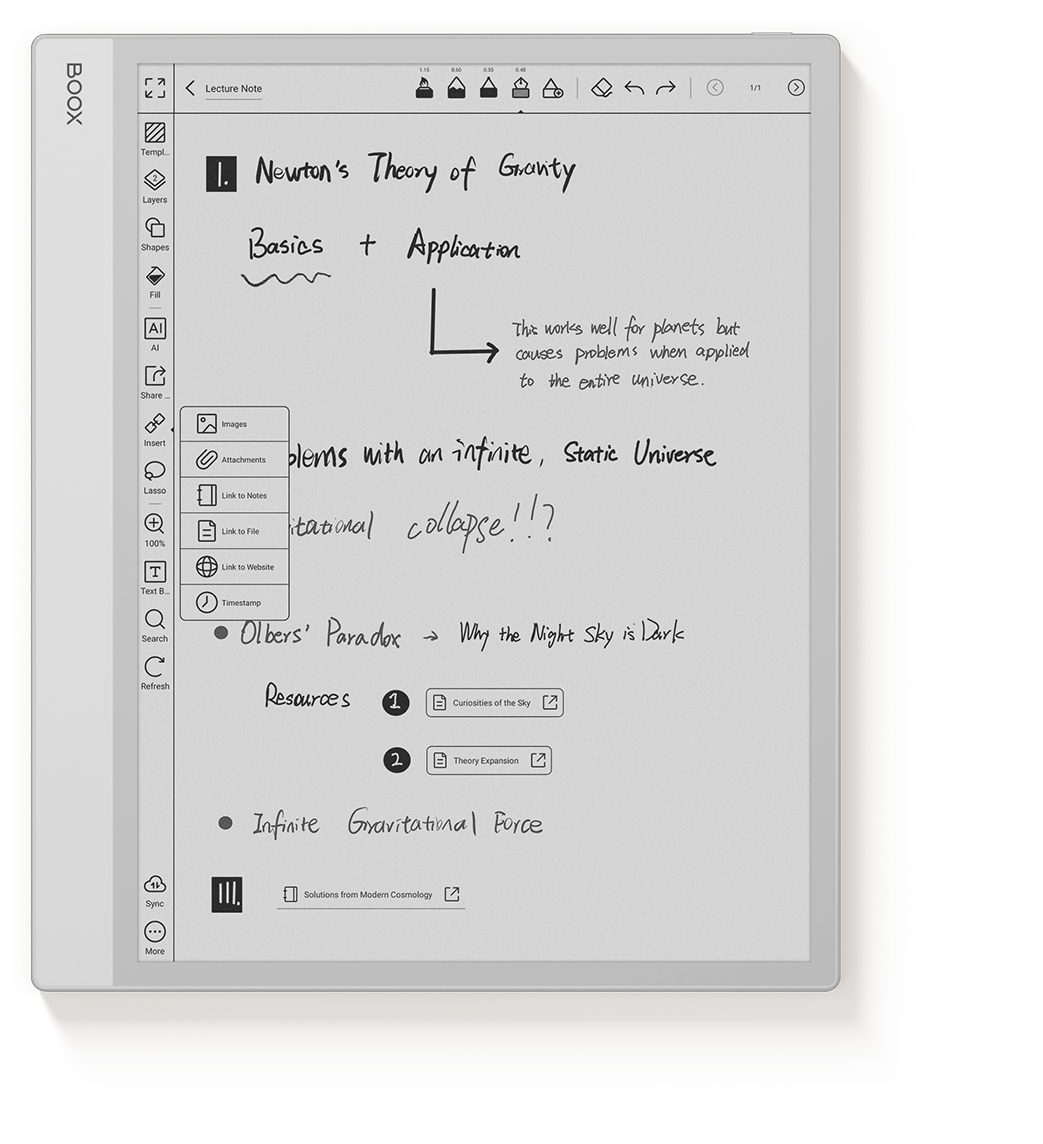
Utilize the insert tool to centralize your information. Connect notes, documents, or websites for effortless access.

Seamless Performance, Exceptional Speed

Experience effortless multitasking and ultra-smooth performance powered by the advanced Octa-Core CPU, clocking up to 2.8GHz. Combined with 6GB RAM and BOOX Super Refresh Technology⁵, it ensures fast, responsive, and fluid operation.

BOOX Note Max e-ink tablet showing vertical document reading interface

Carta 1300
ePaper Display

BOOX Note Max branding and performance feature icon

BOOX Super
Refresh Technology

File management and storage feature icon on BOOX Note Max

6GB +
128GB

Note Max
Capture and draft ideas instantly, fueling your creativity without interruptions.
Handwritten notes on BOOX Note Max e-ink tablet for study and planning
BOOX Note Max e-ink tablet on desk displaying notes and productivity layout
Note Max

Powered by Android 13, access a wide range of apps to build a customized workspace tailored to your projects.

Your Basics, Always Within Reach

BOOX Note Max feature icons highlighting productivity capabilities

Seamless Navigation at a Glance

Enjoy a tablet-inspired interface with customizable widgets that keep key updates visible. Swipe right on the Home Screen to open the Smart Assistant page for instant access to your favorite tools and tasks.

Cloud sync feature icon for BOOX Note Max e-ink tablet

Your Work,
Always Accessible

Seamlessly sync your reading progress and notes across all BOOX devices via Onyx Cloud for convenient access anytime. Effortlessly share files between your Note Max and your computer, phone, or tablet using BOOXDrop⁶.

Simpler Way to Compose Documents

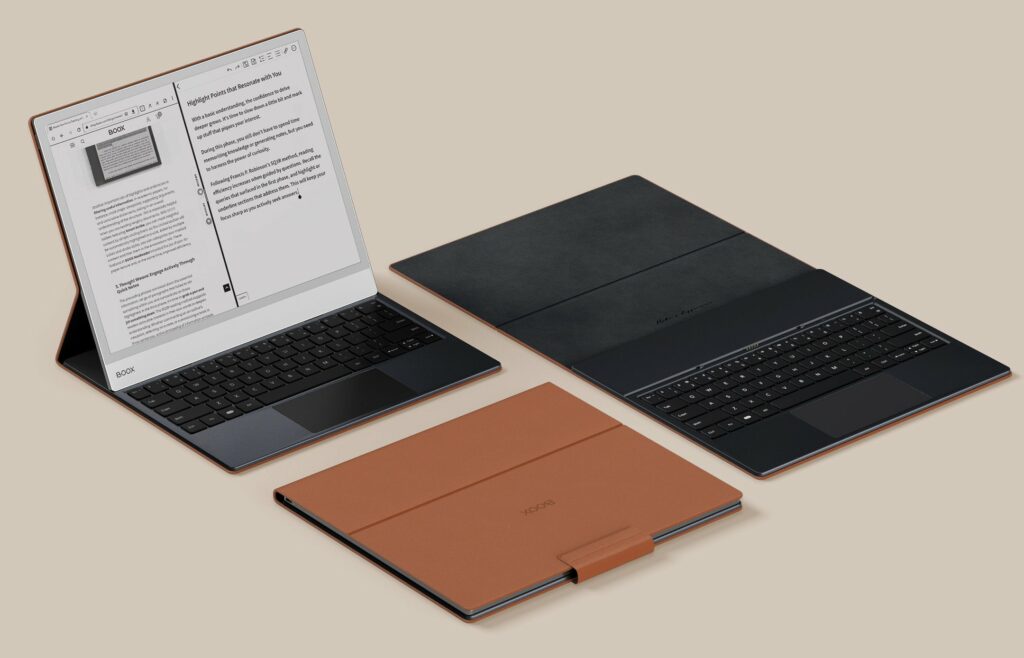
Unleash your thoughts on a roomy, paper-like notebook built for open brainstorming. The keyboard cover provides smooth, responsive typing, making writing and emailing effortless.

BOOX Note Max e-ink tablet with accessories for productivity and study

Refined Design,
Reliable Safeguard

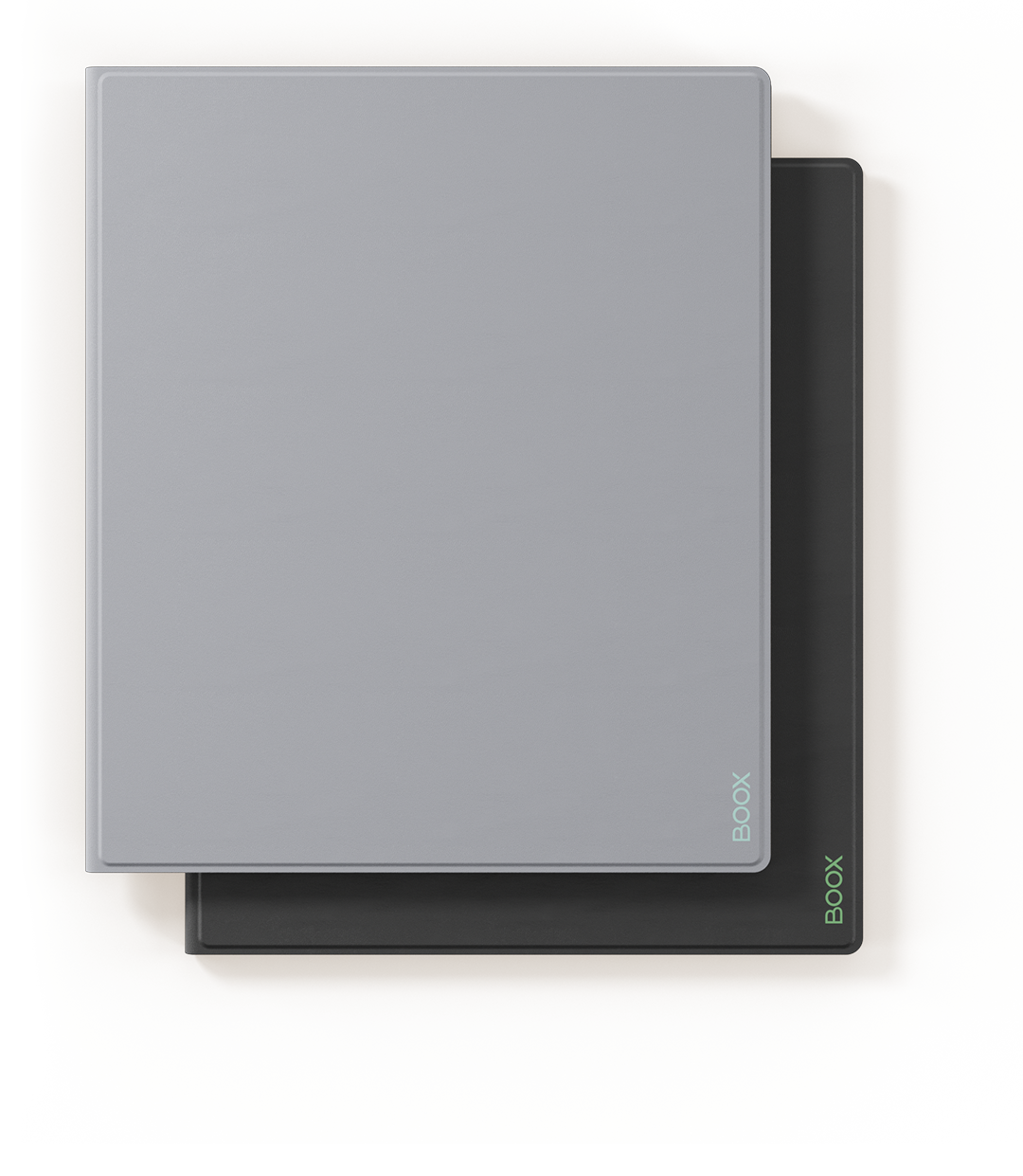
Encase your Note Max in a sleek magnetic cover for all-around protection. Whether lecturing, drafting in a café, or working remotely, it safeguards your device while adding a touch of sophistication.

BOOX Note Max e-ink tablet rear view with minimalist design

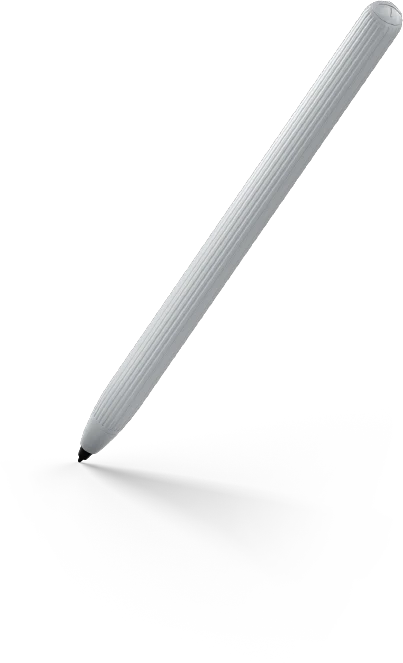
BOOX Pen Plus Designed
for Effortless Expression

BOOX Note Max stylus pen for handwriting and precise input

Jot and Read with Confidence

FAQs

The BOOX Note Max is a 13.3-inch A4-sized E Ink tablet designed for reading, note-taking, document review, research, writing, and professional productivity. It features a large Carta 1300 E Ink display with 300 PPI resolution, Android 13, BOOX Super Refresh Technology, and stylus support. Its paper-like screen provides a distraction-free workspace that closely replicates the experience of working with printed documents while offering the advantages of digital organization and cloud synchronization.

Yes. The BOOX Note Max is built for advanced note-taking and handwriting workflows. Its large 13.3-inch display provides ample writing space for lectures, meetings, brainstorming sessions, project planning, and research notes. Features such as structured outlines, AI-assisted note editing, hyperlinks, handwriting tools, and document integration help users organize information more efficiently.

For many users, yes. The Note Max is specifically designed to serve as a digital replacement for paper notebooks, legal pads, printed documents, and research binders. Users can write naturally on the E Ink display, organize notes digitally, annotate PDFs, and synchronize content across devices. This makes it particularly valuable for professionals and students managing large volumes of information.

Yes. PDF reading and annotation are among the Note Max’s strongest capabilities. The 13.3-inch display closely matches A4 paper size, allowing users to view full-page documents with minimal zooming. Users can highlight text, write comments, create annotations, and review contracts, research papers, reports, and technical documents comfortably.

Yes. Students, academics, and researchers benefit from the large display, note-taking tools, PDF support, split-screen functionality, and Android app ecosystem. The Note Max allows users to read research papers, annotate study materials, organize notes, and manage academic workflows without carrying multiple notebooks or printed documents.

The Note Max is designed for professionals who work extensively with reports, contracts, presentations, technical documents, architectural drawings, research materials, and meeting notes. Its large workspace, handwriting tools, split-screen mode, cloud synchronization, and Android productivity apps make it well suited for business and professional environments.

Yes. Running Android 13, the BOOX Note Max supports Google Play Store access, allowing users to install Kindle, Kobo, OneNote, Evernote, Google Drive, Dropbox, Microsoft Office applications, and other productivity tools. This flexibility allows users to build a customized workflow around their specific needs.

For users who regularly read, write, review documents, conduct research, or manage projects, the BOOX Note Max offers substantial productivity value. Its large A4-sized display, handwriting support, multitasking features, Android ecosystem, and distraction-free E Ink environment help users focus on deep work while reducing dependence on paper documents.

Many users choose the Note Max because its E Ink Carta 1300 display mimics the appearance of paper rather than emitting bright light like traditional LCD or OLED screens. The glare-free display and natural reading experience make long reading and writing sessions more comfortable for many users.

Unlike traditional eReaders that focus primarily on reading books, the BOOX Note Max combines reading, handwriting, PDF annotation, document review, note-taking, Android applications, cloud synchronization, and professional productivity tools. Its large 13.3-inch display provides a workspace that closely resembles printed paper, making it a powerful digital notebook and document management platform.

13.3'' Black & White ePaper
Notebook Spark Your Next Big Vision

BOOX Note Max stylus pen for handwriting and digital annotation

Note Max

13.3” Monochrome E Ink Tablet
 
Carta 1300 Screen
 
300 PPI
 
2.8GHz Octa-core CPU
 
BOOX Super Refresh Technology
 
No Front Light
 
Android 13
 
6GB + 128GB
 
3700mAh
 
4.6mm Thickness
 
Approx. 615g


$1299.99

BOOX Note Max e-ink tablet front view with large reading display

Tab X C

13.3” Color ePaper Tablet
 
Kaleido 3 Screen
 
B&W 300 PPI + Color 150 PPI
 
N/A
 
2.8GHz Octa-core CPU
 
BOOX Super Refresh Technology
 
Adjustable Front Lights
 
Android 13
 
Built-in Google Play Store
 
6GB+128GB
 
5500mAh
 
5.3 mm Thickness
 
Approx. 625 g
 

$14,89.99

Palma 2

One-year Warranty

Tab_Ultra_C_web_13-2

Fast Shipping

BOOX Tab Ultra C e-ink tablet feature icon showing device orientation

Step-by-step User Guide

Palma audio and connectivity support feature icon

Speedy Customer Service

BOOX provides 10GB of free cloud storage for all users, old and new. Each Onyx account gets secure online space to store and sync notes.
** BOOX guarantees free firmware upgrades for every model for at least 3 years after launch, ensuring smoother performance and new features.
*** BOOX devices may help reduce eye fatigue, but effects vary. Remember to take regular breaks for healthier screen use.

[1] BOOX Super Refresh (BSR), launched in 2022, enhances refresh speed and image clarity with four distinct modes for smoother visuals and reduced ghosting.
[2] Dark Mode in NeoReader is available from firmware v3.5.3 onward, allowing easy switching between light and dark themes.
[3] E Ink ComfortGaze™ Lighting offers adjustable brightness and color temperature for day or night reading comfort.
[4] The USB-C port with OTG support lets users connect flash drives and other accessories directly.
[5] BOOXDrop enables fast two-way file transfers over LAN between BOOX, PCs, and mobile devices.
[6] The water-repellent design shields against everyday splashes, spills, and light rain. It is not waterproof and protection may lessen with time.
Images shown are for reference. Final product and firmware define actual features.

Shopping Cart (0)

No products in the cart. No products in the cart.