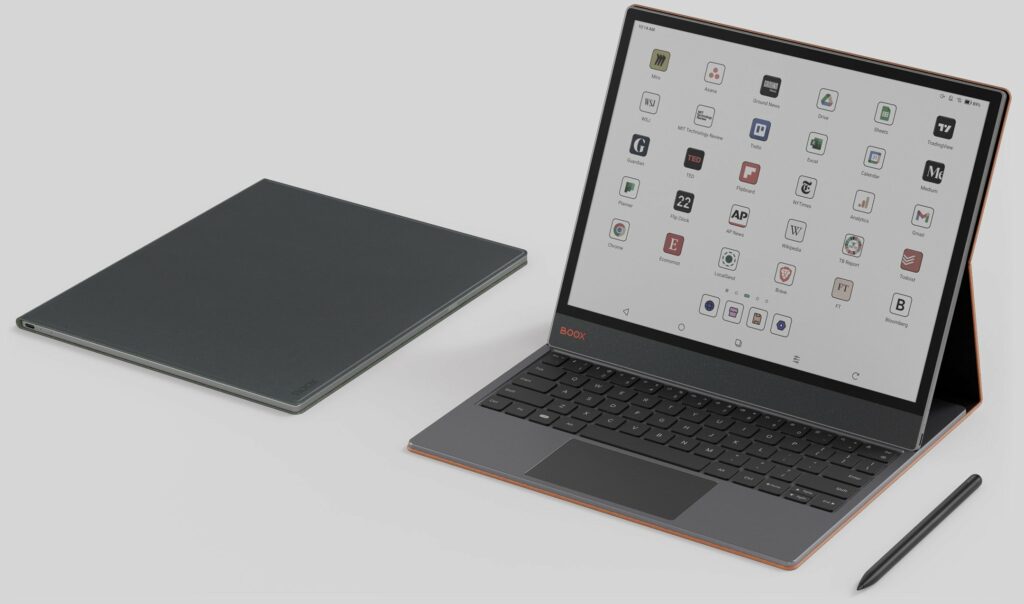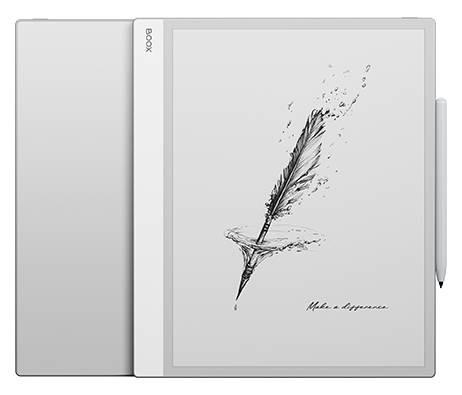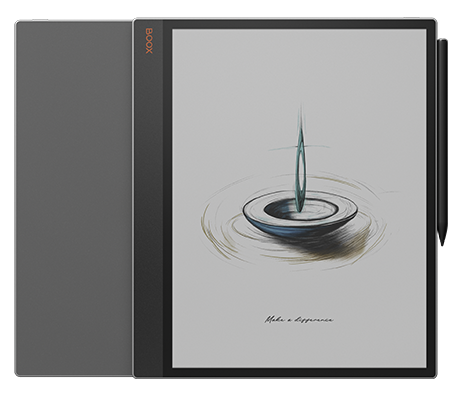
The 13.3” color ePaper tablet designed for boosted efficiency and purposeful living.

Tab X C All you’ve ever wished for.

Your portal to a streamlined, digital workspace.

See the highlights.

13.3'' Kaleido 3¹
ePaper Screen

Vision-Friendly & Fast-Acting

6GB RAM icon indicating multitasking performance capability

6GB

RAM

128GB storage icon indicating internal memory capacity

128GB

ROM

Android operating system icon indicating Android support

A wide array of features and resources you require.

Settings control icon representing adjustable display options

Fine-tune the front lights to your need.

Stylus writing icon representing note-taking on e-ink tablet

Compatible with InkSpire Stylus²

The Essential Device
for Today’s Workflows

An instrument as precise as your vision.

The Tab X C blends digital ease with powerful tools in an ultra-thin 5.3 mm build. Its refined, modern design fits effortlessly into any professional setting.

Expansive. Vivid. Gentle on vision.

The expansive, vibrant display provides a soothing viewing experience, without the harsh glare of conventional screens. Its soft, natural tones make browsing, reading, and multimedia tasks seamless and delightful.

Resize and orientation control icon for flexible screen usage

Nearly A4-Sized

Designed for Effortless Handling of Large Documents

Grid layout icon representing organized app or content view

300 PPI + 150 PPI

for Crisp Text and Vivid Visuals

Stylus writing icon representing handwritten note-taking

Enhanced Stylus Support

or a Natural Writing Experience

Power button icon representing device on and off control

Two-Tone Front Lighting

for Comfortable Day & Night Creativity
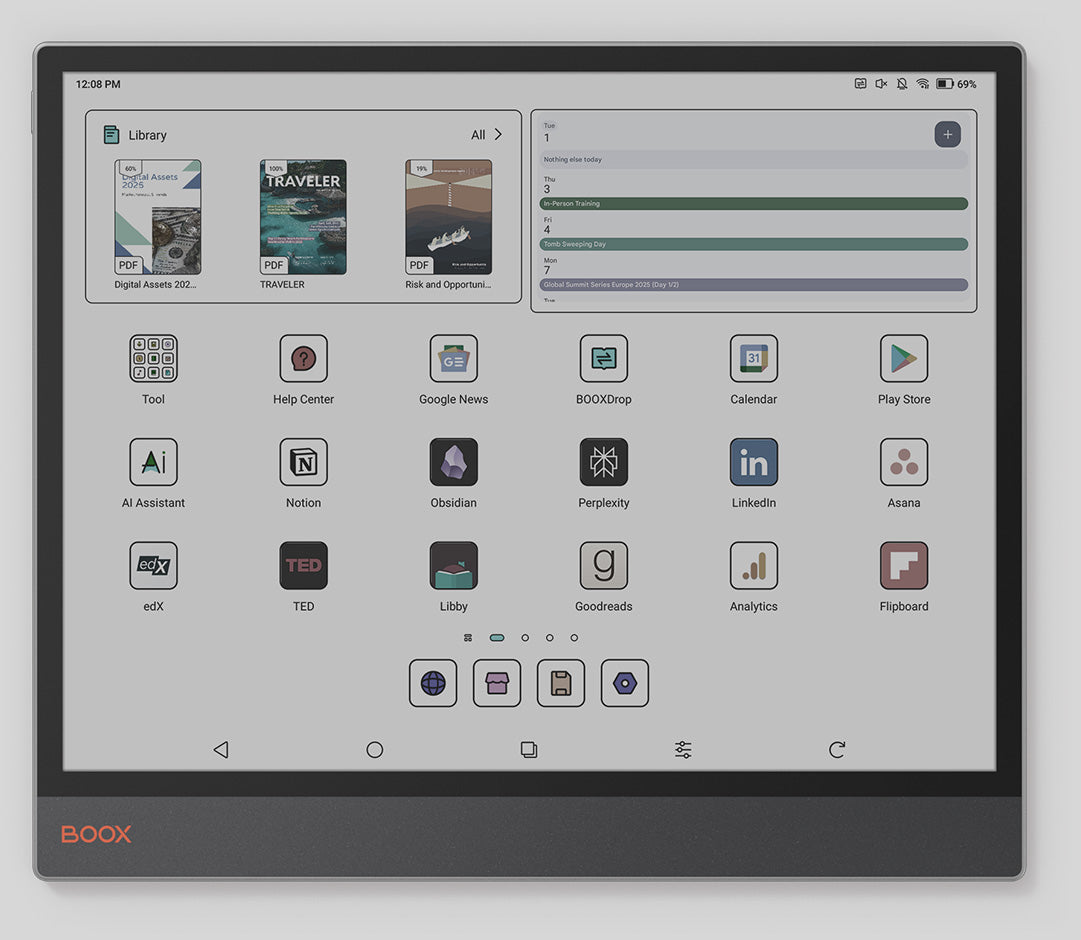
Unrivaled Sharpness for Your Most Brilliant Thoughts

The Tab X C effortlessly bridges work and life with its advanced octa-core processor and 6GB RAM. Powered by BOOX Super Refresh Technology³, it handles demanding tasks with ease and delivers fluid web browsing.

Up to

2.84 GHz

7nm Process Technology

Customized. App Independence

BOOX Tab X C app interface showing application grid layout

It’s a colored electronic paper tablet.

At its essence, it’s a productivity center that delivers reliable performance for daily tasks, eases eye fatigue, and cuts down on distractions.

Just what you need.

At its essence, it’s a productivity center that delivers reliable performance for daily tasks, eases eye fatigue, and cuts down on distractions.

Create a purposeful workspace.

Experience the advantages of technology without distractions from ads or endless scrolling.

All in one.

A flexible hub for work, life,
and all that connects them.

Discover a natural workflow.

Person reading on BOOX Tab X C e-ink tablet in a comfortable setting

With split-screen mode, you can review project plans while tracking progress, compare data sets side by side for deeper analysis, or read documents while taking notes. This multitasking feature streamlines workflow, saving time and enhancing productivity.

Cloud sync icon representing data backup and file synchronization

Cloud storage options such as Onyx Cloud, Google Drive, Dropbox, and OneDrive* provide effortless access across all your devices. With BOOXDrop⁵, transferring files between your Tab X C and other devices is quick and simple.

Multitasking layout icon representing split-screen productivity features

Manage tasks with ease using a simple, user-friendly home screen. The tablet-style interface allows you to customize widgets for instant access to key updates.

InkSpire Stylus — Think bigger. Write easier.

Develop your inspired ideas freely on Tab X C.

BOOX Tab X C stylus accessory icon representing handwriting support

4096 Pressure Points with Tilt Recognition

Battery performance icon representing long battery life on BOOX Tab X C

Compatible with magnetic wireless charging

BOOX Tab X C display feature graphic illustrating screen performance

Interchangeable Stylus Tip

BOOX Tab X C stylus pen icon representing handwriting support

Features a haptic pressure sensor for realistic tactile feedback while writing.
How to Connect and Charge the InkSpire Stylus with Tab X C

  • Find the charging area on the side of your tablet.

  • Place the InkSpire Stylus so its center aligns with this spot.

  • Check the battery status—a notification will appear at the top of your screen confirming the stylus is charging.

BOOX Tab X C e-ink tablet interface displaying document reading view

Unlock your productivity potential

Person reading on BOOX Tab X C e-ink tablet in a comfortable setting

Type fast. Work smarter. Turn your Tab X C into a high-performance productivity device with the stylish keyboard cover. Designed for modern professionals, it delivers a smooth, responsive typing experience, helping you stay efficient wherever you go.

BOOX Tab X C e-ink tablet angled view highlighting large display

Which is right for you?

13.3'' Black & White ePaper
Notebook Spark Your Next Big Vision

BOOX Tab X C stylus close-up showing precise tip for handwriting

Note Max

13.3” Monochrome E Ink Tablet
 
Carta 1300 Screen
 
300 PPI
 
Paper-like Writing
 
 
2.8GHz Octa-core CPU
 
BOOX Super Refresh Technology
 
No Front Light
 
Android 13
 
6GB + 128GB
 
3700mAh
 
4.6mm Thickness
 
Approx. 615g


$1,299.99

BOOX Tab X C stylus pen designed for writing and note-taking
13.3” Color ePaper Tablet
 
Kaleido 3 Screen
 
B&W 300 PPI + Color 150 PPI
 
N/A
 
2.8GHz Octa-core CPU
 
BOOX Super Refresh Technology
 
Adjustable Front Lights
 
Android 13
 
Built-in Google Play Store
 
6GB+128GB
 
5500mAh
 
5.3 mm Thickness
 
Approx. 625 g
 

$1,489.99

Palma 2

One-year Warranty

Tab_Ultra_C_web_13-2

Fast Shipping

BOOX Tab Ultra C e-ink tablet feature icon showing device orientation

Step-by-step User Guide

Palma audio and connectivity support feature icon

Speedy Customer Service

BOOX provides 10GB of free cloud storage for all users, old and new. Each Onyx account gets secure online space to store and sync notes.
** BOOX guarantees free firmware upgrades for every model for at least 3 years after launch, ensuring smoother performance and new features.
*** BOOX devices may help reduce eye fatigue, but effects vary. Remember to take regular breaks for healthier screen use.

[1] BOOX Super Refresh (BSR), launched in 2022, enhances refresh speed and image clarity with four distinct modes for smoother visuals and reduced ghosting.
[2] Dark Mode in NeoReader is available from firmware v3.5.3 onward, allowing easy switching between light and dark themes.
[3] E Ink ComfortGaze™ Lighting offers adjustable brightness and color temperature for day or night reading comfort.
[4] The USB-C port with OTG support lets users connect flash drives and other accessories directly.
[5] BOOXDrop enables fast two-way file transfers over LAN between BOOX, PCs, and mobile devices.
[6] The water-repellent design shields against everyday splashes, spills, and light rain. It is not waterproof and protection may lessen with time.
Images shown are for reference. Final product and firmware define actual features.

Shopping Cart (0)

No products in the cart. No products in the cart.