Micro Learning Made Easy: Learn Something New with Boox
In a world where information moves quickly, finding time for long study sessions can be difficult. That’s why micro learning—the practice of learning in short, focused bursts—has become increasingly popular among students, professionals, and lifelong learners. Instead of dedicating hours to study, micro learning allows you to build knowledge gradually through small daily sessions.
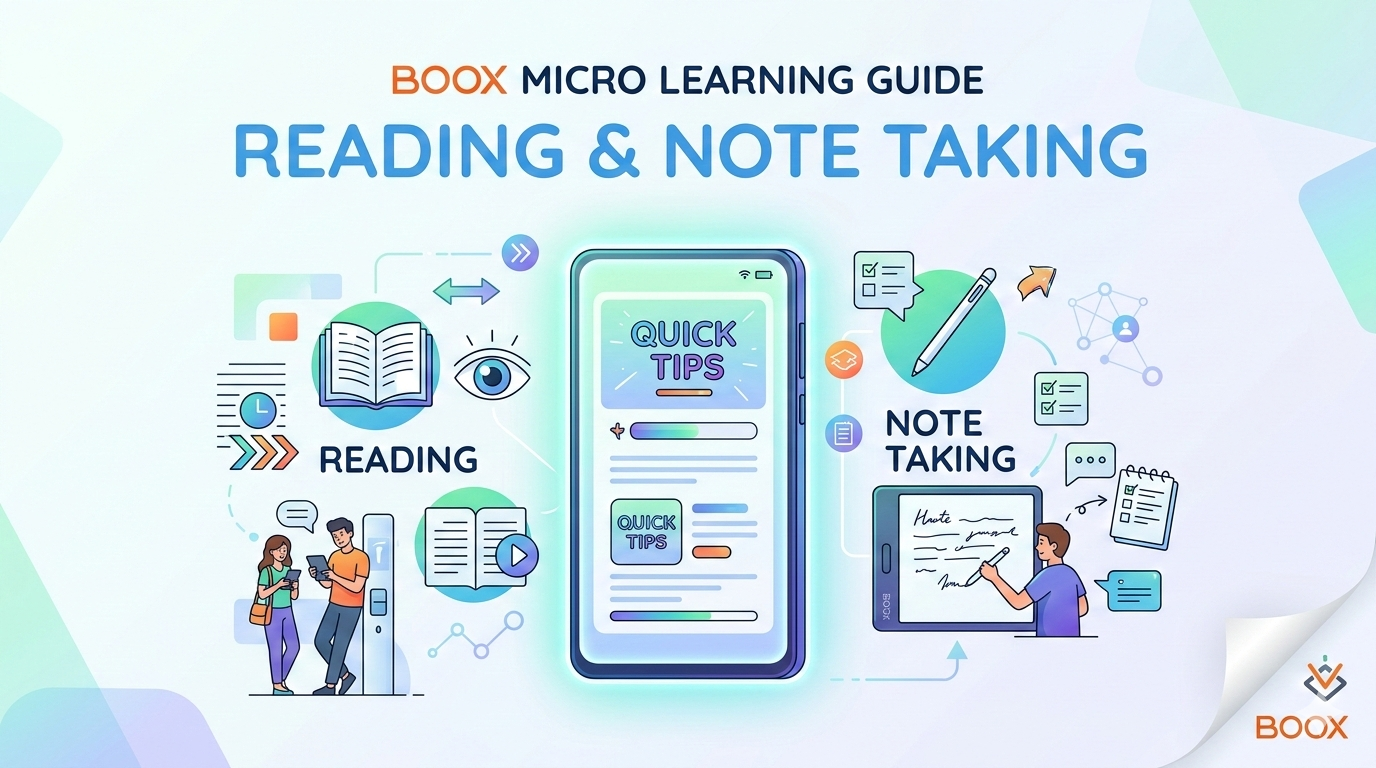
A Boox device makes this learning style easier and more effective. With its paper-like E-Ink display, Android-powered flexibility, and advanced note-taking features, the tablet creates a focused environment ideal for reading, annotating, and capturing ideas. Whether you are reviewing documents, reading books, or writing notes, the experience is designed to feel natural and distraction-free.
For people in New Zealand who want a smarter way to study and stay productive, a Boox e-ink tablet for reading and note taking provides a practical solution that combines the comfort of paper with the convenience of digital tools.
Understanding Micro Learning and Why It Works
Micro learning focuses on consuming information in small pieces rather than long study sessions. Each learning moment usually lasts between 3 and 10 minutes, allowing learners to absorb information without mental fatigue.
Research in Educational Psychology suggests that short learning sessions improve memory retention because the brain processes information more effectively when it is delivered in smaller segments.
Benefits of micro learning
- Improves knowledge retention
- Reduces mental overload
- Fits into busy schedules
- Encourages daily learning habits
- Makes complex topics easier to understand
A focused reading device such as Boox supports this approach perfectly by providing quick access to books, PDFs, and notes without unnecessary distractions.
Why Boox Devices Support Micro Learning
Traditional tablets and smartphones often interrupt learning with notifications and bright screens that cause eye fatigue. In contrast, Boox devices are designed specifically for reading, writing, and productivity.
Paper-like E-Ink display
The technology behind these tablets is based on E‑Ink electronic paper display, which replicates the appearance of real ink on paper.
Key advantages include:
- Reduced eye strain
- Comfortable reading in sunlight
- No glare from bright screens
- Long battery life
This makes the device ideal for quick study sessions throughout the day—during breaks, travel, or commuting.
Boox E-Ink Tablet for Reading and Note Taking
One of the biggest advantages of a Boox e-ink tablet for reading and note taking is the ability to combine multiple learning tools into one device.
Instead of carrying books, notebooks, and a laptop, users can read and write directly on the same screen.
How this helps learners
- Read digital books and study materials
- Highlight important sections
- Write notes directly on documents
- Organize learning content in folders
This streamlined workflow helps students and professionals focus on learning rather than managing multiple devices.
Onyx Boox E-Reader With Android Support
Another unique feature is the flexibility of an Onyx Boox e-reader with Android support. Unlike many traditional e-readers, these devices allow installation of productivity and reading apps.
Popular apps that work well include:
- Kindle
- Evernote
- Microsoft OneNote
- Google Drive
This flexibility allows users to turn the tablet into a digital learning hub where books, documents, and notes are all accessible in one place.
To explore official devices and specifications, visit
https://shop.boox.com/
Best Boox Device for PDF Reading and Annotation
PDF documents are widely used in education and professional environments. Research papers, manuals, and reports often require detailed reading and annotation.
Many users consider certain models the best Boox device for PDF reading and annotation because of their powerful document tools.
Helpful PDF features
- Highlighting and underlining text
- Writing handwritten notes on pages
- Bookmarking important sections
- Split-screen reading and note taking
- Zoom and reflow options for easier reading
These capabilities make the device especially useful for academic and research work.
Students studying at institutions such as
University of Auckland or
Victoria University of Wellington
often need to review large volumes of research material, and a focused reading device can make that process far more efficient.
Boox Tablet With Stylus for Digital Note Taking
A key productivity feature is the Boox tablet with stylus for digital note taking.
The stylus allows users to write naturally on the screen, similar to using a pen on paper. This creates a comfortable environment for brainstorming ideas, writing summaries, or sketching diagrams.
Benefits of stylus note taking
- Natural handwriting experience
- Ability to annotate PDFs directly
- Creation of digital notebooks
- Easy organization of notes
- Support for diagrams and sketches
For many learners, writing information by hand improves understanding and memory, making digital handwriting an effective study method.
Practical Use Cases for Boox Devices
1. Learning during short breaks
Micro learning works best when users take advantage of small moments throughout the day.
Examples include:
- reading a few pages of a book
- reviewing study notes
- highlighting key information from articles
Even a few minutes of focused reading can build knowledge over time.
2. Academic study
Students often need to manage multiple textbooks and research papers. A digital reading device helps by storing thousands of documents in one place.
Typical uses include:
- reading lecture slides
- annotating academic papers
- organizing course materials
- preparing for exams
3. Professional development
Professionals can use the tablet to stay updated in their field by reading reports, industry news, or technical guides.
This approach supports continuous learning without requiring long study sessions.
Key Benefits of Using Boox for Learning
Distraction-free reading
Unlike smartphones, these tablets focus primarily on reading and productivity, helping users concentrate on learning tasks.
Eye-friendly screen
The E-Ink display is designed for long reading sessions without the eye strain associated with LCD screens.
Long battery life
Because E-Ink uses minimal power, the device can last days or even weeks on a single charge.
Organized digital library
Thousands of books, PDFs, and notes can be stored and categorized for quick access.
Users in New Zealand can explore available models and accessories through
Ereaders NZ
https://ereaders.co.nz/
Pros and Cons of Boox Devices
Pros
- Paper-like reading experience
- Excellent PDF annotation tools
- Stylus support for handwriting
- Android app compatibility
- Long battery performance
Cons
- Higher price than basic e-readers
- Limited multimedia capabilities
- Learning curve for new users
These trade-offs exist because the devices are designed primarily for reading and productivity rather than entertainment.
Building a Micro Learning Habit
Using the right device makes it easier to develop consistent learning habits.
Example daily routine
Morning – 5 minutes
Read a short article or book chapter.
Afternoon – 10 minutes
Highlight important sections from a research paper.
Evening – 10 minutes
Write notes or summarize what you learned.
Over time, these small sessions accumulate into meaningful knowledge.
Frequently Asked Questions
1. What is a Boox device used for?
A Boox device is an E-Ink tablet designed for reading digital books, reviewing PDFs, and writing notes using a stylus.
2. Is Boox good for students?
Yes. A Boox e-ink tablet for students and professionals is useful for reading textbooks, annotating lecture materials, and organizing study notes.
3. Can Boox read and annotate PDFs?
Yes. Many models are considered among the best devices for PDF reading and annotation due to advanced highlighting and handwriting tools.
4. Does Boox support Android apps?
Yes. An Onyx Boox e-reader with Android support allows users to install productivity and reading applications.
5. Can you take handwritten notes?
Yes. A Boox tablet with stylus for digital note taking allows users to write naturally on the screen and organize notes digitally.
6. Are Boox devices available in New Zealand?
Yes. They can be purchased online through retailers such as Ereaders NZ.
Conclusion
Micro learning is transforming the way people study and develop new skills. Short, focused learning sessions allow knowledge to grow gradually without overwhelming schedules.
A Boox device supports this approach by combining a paper-like reading experience with digital flexibility. From reading books and research papers to writing notes and organizing documents, the tablet provides a powerful environment for focused learning.
For students and professionals in New Zealand who want to make the most of their time, Boox offers a practical way to turn small moments into meaningful learning opportunities.